

TV Cast for Chromecast
7.0 by TKTech Global (0 Reviews) November 02, 2025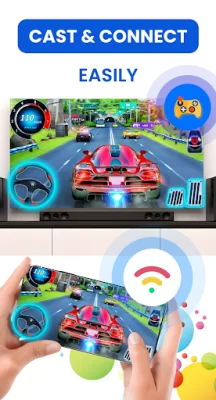


Latest Version
7.0
November 02, 2025
TKTech Global
Tools
Android
0
Free
casttotv.castchromecast.screenmirroring
Report a Problem
More About TV Cast for Chromecast
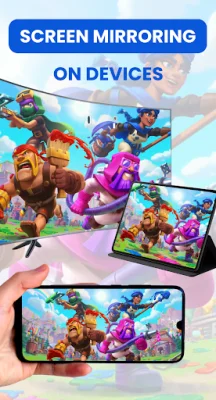
This application is the ultimate solution for streaming videos, photos, and music from your phone to any Smart TV. It supports a wide range of devices including Chromecast, Roku, Fire TV, Vizio, Samsung, LG, Sony, and Android TV. With this app, you can easily mirror your phone or tablet screen to your TV in real-time, making it perfect for watching movies, giving presentations, or gaming with minimal delay.
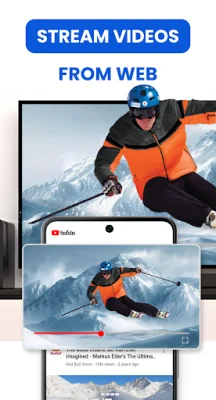
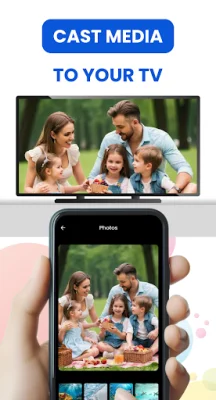
In addition to screen mirroring, this app also allows you to cast local videos, photos, and music, as well as online web videos from your browser, directly to your smart TV without the need for any cables. You can also use your phone as a smart TV remote, with intuitive gestures for controlling playback, changing volume, and navigating media.
One of the standout features of this app is its compatibility with popular apps like YouTube, Google Photos, Safari, and Chrome, allowing for seamless streaming directly to your TV. It also works with all major devices, including Chromecast, Roku, Amazon Fire TV, Samsung, LG, Sony, Vizio, and Android TVs.
When using this app, you can enjoy your content in full-screen and high-resolution on your TV, making it perfect for movie nights, family slideshows, or casual streaming. To use the app, simply connect your phone and TV to the same Wi-Fi network, enable Miracast or Wireless Display on your TV if necessary, and select your TV from the device list in the app.
This app is a great all-in-one solution for TV casting, screen mirroring, and remote control, without the need for any additional hardware or subscriptions. It offers fast and stable screen mirroring, the ability to cast both local and web content, and is perfect for games, work, or home entertainment. Please note that this app is not affiliated with or endorsed by Google or any other brands.
If you need any help with the app, you can contact the developers at [email protected]. The app also has a privacy policy and terms and conditions, which can be found at the links provided. With its wide range of features and compatibility with various devices, this app is a great choice for anyone looking to easily stream content from their phone to their TV.
Rate the App





Popular Apps









