
TV Cast for Chromecast TV
4.6 by Vulcan Labs (0 Reviews) September 14, 2024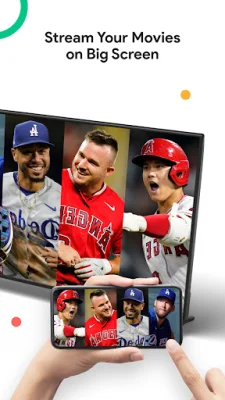
Latest Version
4.6
September 14, 2024
Vulcan Labs
Tools
Android
0
Free
co.vulcanlabs.castandroid
Report a Problem
More About TV Cast for Chromecast TV
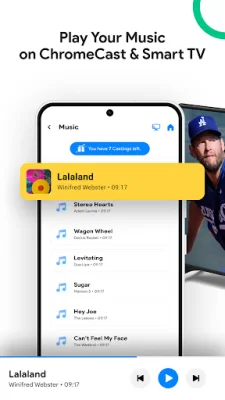
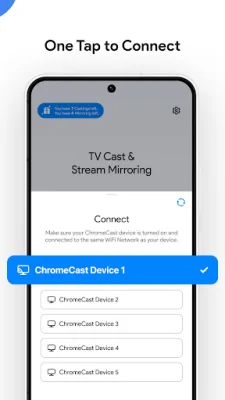
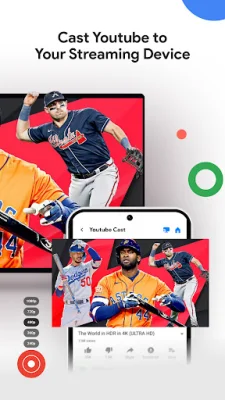
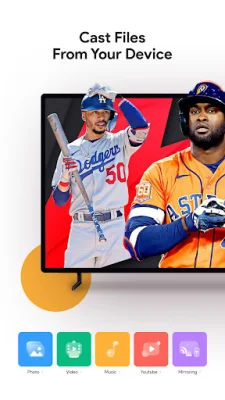
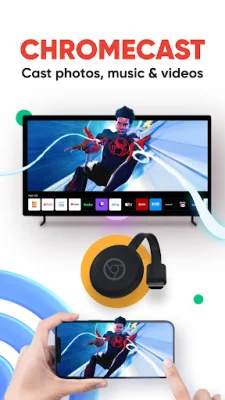
TV Cast is a versatile application that is now available for all Chromecast products, including Chromecast, Chromecast Audio, and TVs with Chromecast built-in. This means that no matter what type of Chromecast device you have, you can now use this app to enhance your viewing experience. Whether you're giving a presentation, working out, or simply relaxing with your family, TV Cast has a variety of features that make it the perfect addition to your entertainment setup. One of the main uses for TV Cast is for presentations and sharing sessions in a professional setting. With its low latency screen mirroring feature, you can easily display your phone or tablet screen on a television, making it ideal for showcasing presentations or sharing important information with colleagues. But TV Cast isn't just limited to work-related activities. You can also use it to mirror your phone screen for other purposes, such as playing games or browsing social media. Another great feature of TV Cast is the ability to cast videos, photos, and music from your phone to your TV. This means you can easily share your favorite exercise videos on your home TV to improve your workouts, or even play high-quality music from your phone on your TV for a better listening experience. You can also cast online videos from your computer to your television, making it easier to watch your favorite content on a larger screen. TV Cast also allows you to cast photos and videos from your phone's camera roll to your TV, making it perfect for family gatherings or sharing travel photos with loved ones. Additionally, you can use TV Cast to cast media files from Google Drive or Dropbox to your TV, giving you even more options for sharing and enjoying your favorite content. To start screen mirroring with TV Cast, all you need to do is connect your phone and TV to the same WIFI network, launch the app, and connect it to your TV. From there, you can easily start mirroring your phone screen on your TV with just a few taps. TV Cast is compatible with a wide range of devices, including any Chromecast device, Android TV with built-in Chromecast, and various Smart TVs. In the event that you encounter any issues with the app, you can contact the support team at [email protected] for assistance. It's important to note that TV Cast is not affiliated or endorsed by Google LLC, but it continues to be regularly improved to provide users with the smoothest experience possible. So why wait? Enhance your viewing experience and make your home entertainment setup even better with TV Cast.
Rate the App















Popular Apps









