TV remote control for Roku
4.1.4 by TV Master - Smart TV Remote Control (0 Reviews) July 27, 2024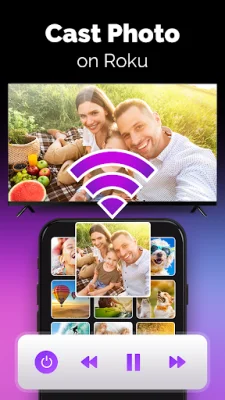
Latest Version
4.1.4
July 27, 2024
TV Master - Smart TV Remote Control
Tools
Android
0
Free
com.roku.remote.control.tv.cast
Report a Problem
More About TV remote control for Roku
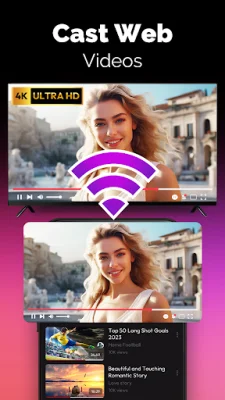
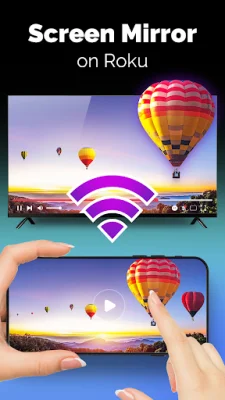
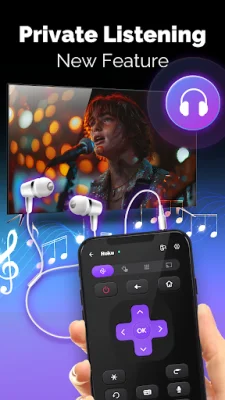
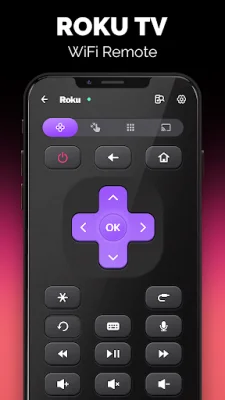
The Roku TV Remote Control for android is an app that allows you to control your Roku device and all connected devices. With this app, you can easily install new channels from the Roku channel store and access local channels. It also offers a variety of features such as screen mirroring, private listening, touchpad and keyboard, and a power button for convenience.
One of the main advantages of this app is its ability to connect to all devices, making it a one-stop solution for controlling your Roku TV or streaming player. It supports popular TV brands like TCL, Philips, Hisense, Sharp, and Element TV. The touchpad feature adds a touch of elegance to your TV control experience.
But that's not all, the Roku Remote Control for TV free app offers both Wifi and IR modes for connectivity. In Wifi mode, you can connect your Roku device and Android phone to the same network, while in IR mode, you can use the app with a Roku TV Remote IR blaster. This makes it a versatile app that can work with different types of devices.
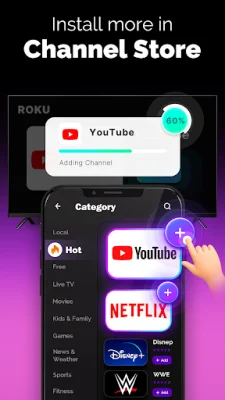
With this app, you can explore the Roku Channels Store like never before. It allows you to install new and trending channels such as Netflix, YouTube, Disney+, and many more. You can also access local channels, giving you a wide range of entertainment options.
So, if you want to enhance your Roku TV control experience, download the Roku Remote Control for TV free app now. However, it's important to note that this app is not affiliated with Roku or any TV brands mentioned above. It's an independent app that aims to provide convenience and ease of use to its users.
Rate the App















Popular Apps









