TV Remote Control for Roku
2.0 by Universal Electric Appliances Remote Control (0 Reviews) July 29, 2024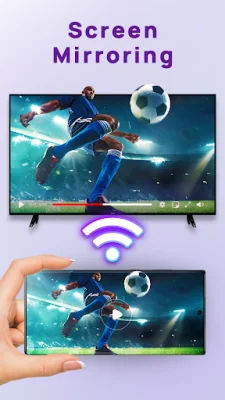
Latest Version
2.0
July 29, 2024
Universal Electric Appliances Remote Control
Tools
Android
0
Free
com.roku.remote.control.tv.universal.mirror.cast.channel
Report a Problem
More About TV Remote Control for Roku
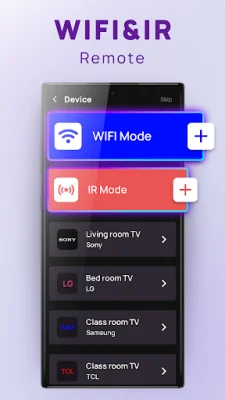
Roku TV Remote Control is an application that allows users to control their Roku TV using their mobile devices. It offers both WiFi and IR smart control, making it easy to connect to the TV. Users can also add multiple free Roku remotes to their collection, allowing them to easily switch between different TVs.
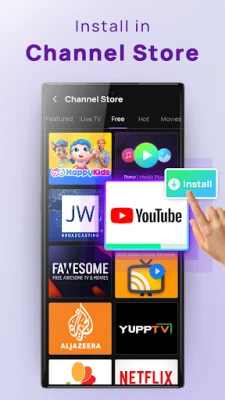
The app also features a TV Channel Store where users can explore and download popular Roku channels with just one click. This makes it convenient for users to access their favorite content on their Roku TV.
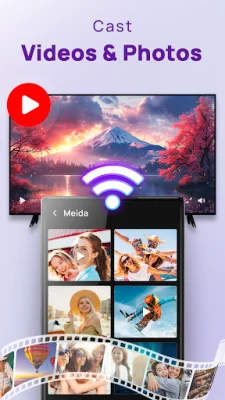
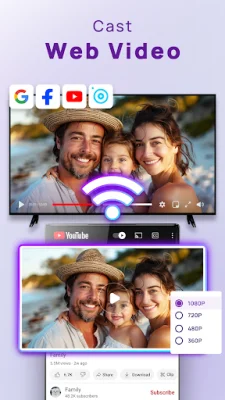
One of the key features of the Roku TV Remote Control is its mirroring and casting capabilities. Users can easily cast videos and photos from their mobile devices to their TV, making it perfect for sharing media with friends and family.
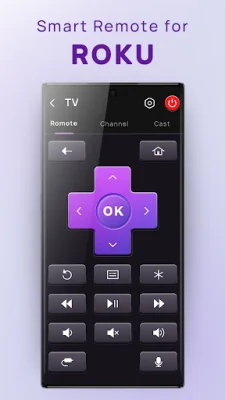
The user interface of the app is designed to be user-friendly, with a layout that mirrors a physical remote for an intuitive experience. Additionally, the app has a physical Roku Remote Locator feature that helps users find their lost remote by making it vibrate when a button is pressed on the app.
Other cool features of the app include auto-connect to previously connected Roku TVs, volume control, and a smart keyboard for quick text input and search. The app also allows users to search for local Roku channels on their TV and stream them directly.
It is important to note that this app is not an official Roku remote control and is not affiliated with any TV brands. However, it offers a convenient and easy way to control your Roku TV and enhance your viewing experience. So, if you're ready for a TV fiesta, download the Roku mobile app now!
Rate the App















Popular Apps









