TV Remote control for Roku TV
1.2.6 by Video downloader for all (0 Reviews) October 28, 2025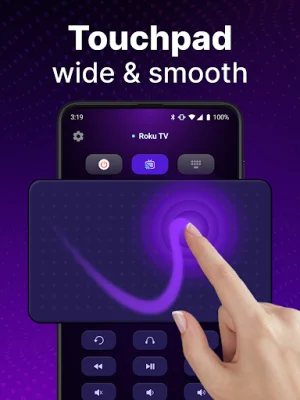
Latest Version
1.2.6
October 28, 2025
Video downloader for all
Tools
Android
0
Free
roku.remote.control.tv.remoteforroku
Report a Problem
More About TV Remote control for Roku TV
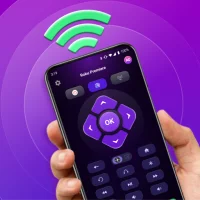
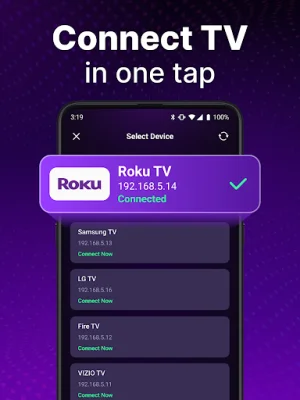
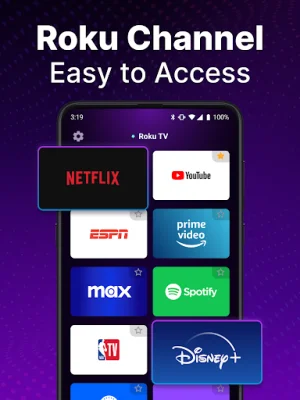
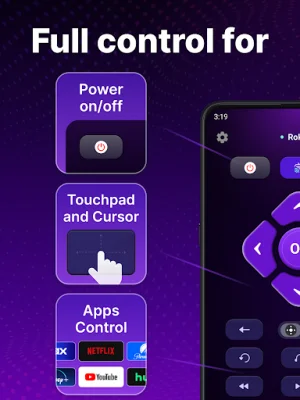
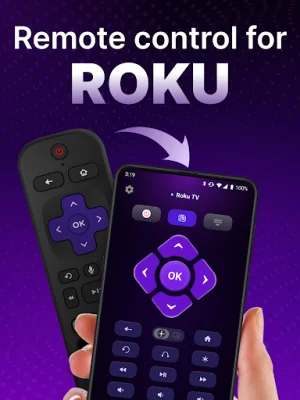
The Universal Remote Control App is a convenient and user-friendly tool that allows you to control your Roku TV directly from your phone. With its automatic detection feature, the app can easily find and connect to Roku TV devices on the same WiFi network, making setup a breeze. Once connected, you can use the app's rapid remote control to quickly access and control your Roku TV, including voice control and power on/off options. The touchpad navigation feature also allows for smooth scrolling and swiping, making it easy to navigate through your Roku TV's menus and channels.
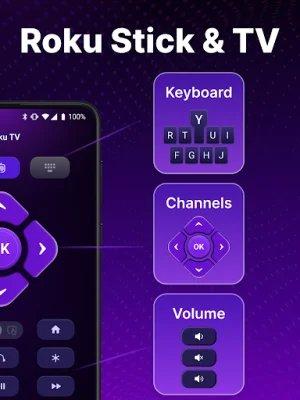
In addition to its remote control capabilities, the app also offers keyboard input for swift text input and search functionality. This makes it easy to find your favorite shows and channels without having to manually type on your TV's remote. And with the ability to power on/off your Roku TV directly from your phone, the app provides a convenient and seamless Roku TV experience.
One of the standout features of the Universal Remote Control App is its voice search functionality. This allows you to search for shows and channels by simply speaking into your phone, eliminating the need for tedious scrolling and typing. And with its portability, the app offers a more convenient and hands-free alternative to traditional Roku remotes.
To use the Universal Remote App, simply download and install it on your phone, then connect it to your Roku TV by selecting the device on the same WiFi network. It's that easy! And in case of any troubleshooting issues, the app provides helpful tips such as ensuring both devices are on the same WiFi network and trying a reinstallation if connection issues persist.
It's important to note that the Universal Remote App is not an official Roku application and is not affiliated with Roku. However, it offers a reliable and user-friendly way to control your Roku TV, giving you the freedom to enjoy its functionalities at your own discretion. Say goodbye to traditional Roku remotes and experience the convenience of the Universal Remote Control App today!
Rate the App


Popular Apps









