TV Remote For Roku&Smart TV
1.5.0 by Dynamic Remote (0 Reviews) April 03, 2026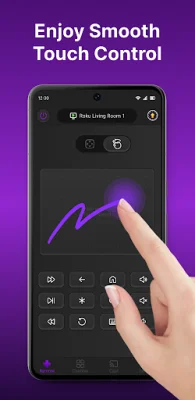
Latest Version
1.5.0
April 03, 2026
Dynamic Remote
Tools
Android
0
Free
ldyt.roku.rokutv.rokuremote.cast.screenmirroring
Report a Problem
More About TV Remote For Roku&Smart TV
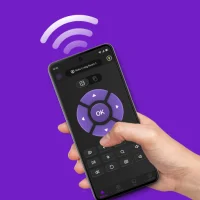
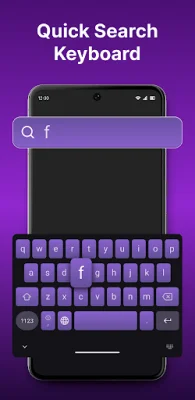
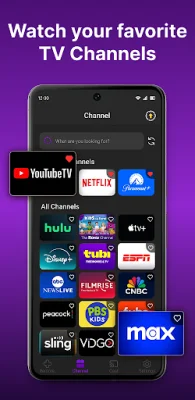
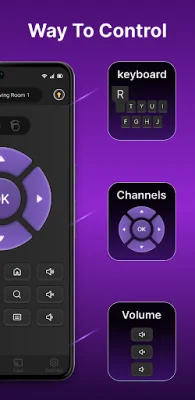
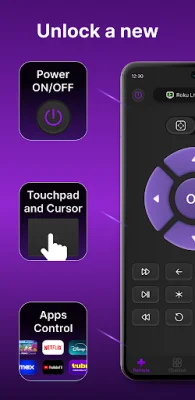
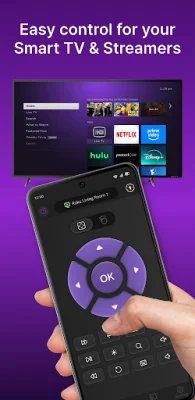
TV Remote For Roku & Smart TV is an Android application that allows you to control your Roku TV and streaming devices using your phone. With this app, you can switch channels, adjust volume, cast photos or videos, and even mirror your phone screen to your TV effortlessly. It offers a seamless experience with features such as automatic device scanning and connection, touch navigation and button control, quick keyboard input, and channel switching. One of the key features of this app is its automatic device scanning and connection. It instantly scans your Wi-Fi network and connects to available Roku TVs and streaming devices without the need for pairing or complicated setup. This makes it convenient and hassle-free to use. You can also control the volume and power of your Roku TV or streaming device directly from your phone. The app offers touch gestures and traditional button controls, similar to the official Roku remote, for a seamless experience. It also has a built-in keyboard for quick and easy typing of titles, movies, shows, or channels. In addition to controlling your TV, this app also allows you to cast photos and videos from your phone to your Roku TV for a bigger-screen viewing experience. You can also mirror your phone screen in real-time to instantly share content with others. To get started, make sure your TV or device is connected to the same Wi-Fi network as your phone. Then, open the app and select the device you want to connect. Once connected, you can start controlling your Roku device immediately. This app is compatible with all TVs running Roku OS, including popular brands such as TCL, Sharp, Hisense, and more. It also supports Roku streaming devices like Roku Express, Roku Streaming Stick 4K, and Roku Ultra. If you encounter any issues, the app provides troubleshooting tips such as enabling mobile app control on your TV or reinstalling the app. It's important to note that this app is not affiliated with Roku, Inc. or any of the TV brands or devices listed above. It is independently developed and has no official authorization from these companies. For more information, you can contact the support team via email or visit their website.
Rate the App







Popular Apps









