TV Remote for Ruku & Smart TV
1.8.9 by BoostVision (0 Reviews) July 26, 2024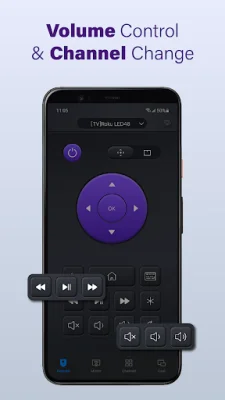
Latest Version
1.8.9
July 26, 2024
BoostVision
Tools
Android
0
Free
com.boost.universal.remote
Report a Problem
More About TV Remote for Ruku & Smart TV
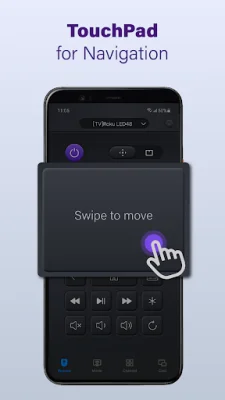
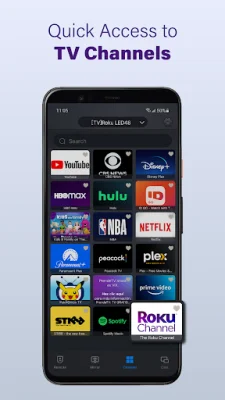
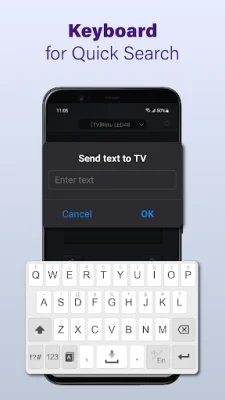
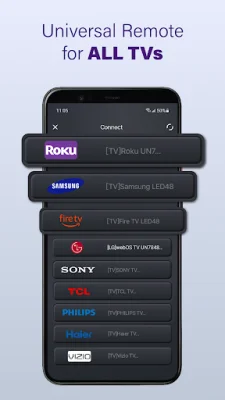
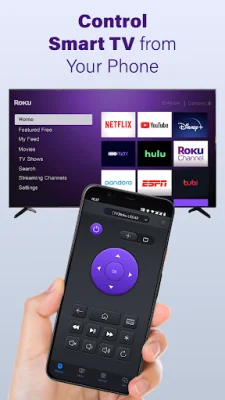
The TV remote control app is a convenient and efficient way to control your Smart TV. With this app, you can easily auto-detect all the Smart TVs on the same WiFi network and control them with just a few taps. The app features a responsive touchpad for quick and easy navigation, as well as volume control, reverse, and fast forward options for a seamless viewing experience. Additionally, you can use the app for quick text input and searching for your favorite shows or movies, making it easier than ever to find what you want to watch.
One of the key benefits of this app is the ability to power on and off your Smart TV directly from your phone or tablet. This added convenience means you no longer have to search for your TV remote or get up from your comfortable spot on the couch to turn your TV on or off. You can also cast photos and videos from your local album to your TV using the app, making it a great tool for sharing memories with friends and family.
The TV remote app also allows you to mirror your phone screen to your TV with low latency. This is perfect for sharing presentations, videos, or any other content from your phone on a larger screen. The app is easy to use and can be downloaded and installed in just a few simple steps. Simply select your TV brand or stick, connect to your Smart TV, and you're ready to go.
If you encounter any issues with the app, there are a few troubleshooting steps you can take. Make sure both your Smart TV and Android device are connected to the same network, and try reinstalling the app or upgrading to the latest version. If the problem persists, you can also try using a different device.
It's important to note that this TV remote app is not an official application and is not affiliated with any of the brands mentioned. While the app has been tested on many TV models, it may not work on all models. For more information, you can visit the app's page on the BoostVision website, where you can also find the terms of use and privacy policy.
Rate the App















Popular Apps









