

Unified Remote Full
3.22.3 by Unified Intents (0 Reviews) July 29, 2024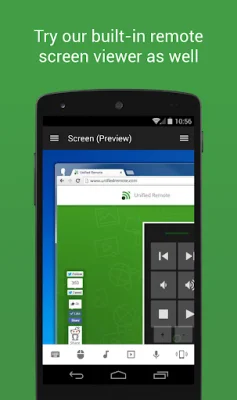
Latest Version
3.22.3
July 29, 2024
Unified Intents
Tools
Android
0
$4.99
com.Relmtech.RemotePaid
Report a Problem
More About Unified Remote Full
Unified Remote is a convenient and versatile application that allows users to control their computer remotely for various purposes such as watching TV or listening to music. It is available on the server https://www.unifiedremote.com and offers a range of features to make the remote control experience seamless and secure.
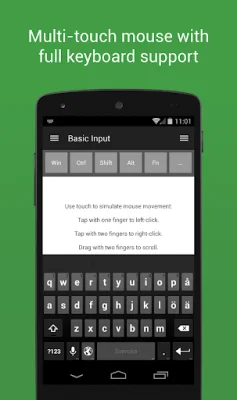
The setup process for both the server and app is simple and hassle-free. The server can be easily detected on the network and can be protected with a password and encryption for added security. The app supports single and multi-touch mouse control, making it easy to navigate and control the computer from a distance. Additionally, the Wake On LAN feature allows users to start their server with ease.
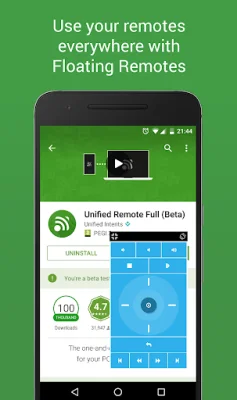
Unified Remote offers a variety of color themes, including light and dark options, to suit personal preferences. The server is compatible with Windows, Mac, and Linux, and can also control other devices such as Raspberry Pi and Arduino Yún. The free version of the app comes with 18 remotes, while the full version offers over 90 remotes, including custom and floating remotes that can be used over other apps.
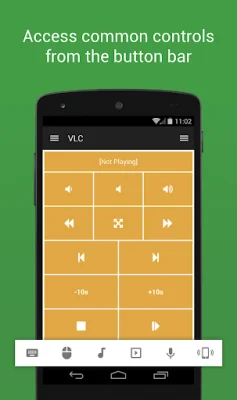
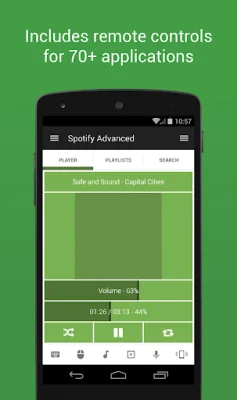
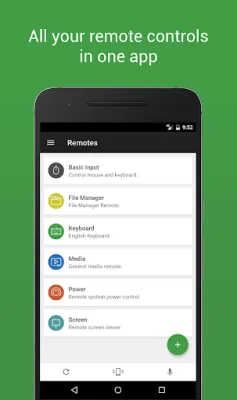
The app also offers convenient features such as widgets, quick actions, and voice commands. It covers essential functions like mouse, keyboard, screen, and volume control, as well as specific functions for music, video, media center, streaming, presentations, and browsing. It also includes options for power, monitor, files, task manager, and commands.
Unified Remote is constantly expanding its range of remotes, which can be viewed on their website. However, some remotes may not be available for all operating systems. The app requires certain permissions for its various features, such as system alert window, read phone status, control NFC, full network access, view network connections, view Wi-Fi connections, pair with Bluetooth devices, control vibration, prevent phone from sleeping, transmit infrared, and install shortcuts. These permissions are necessary for the app to function properly and provide a seamless remote control experience.
Rate the App















Popular Apps









