
USB OTG Connector for Android
by TarrySoft (0 Reviews) May 19, 2026
Latest Version
May 19, 2026
TarrySoft
Tools
Android
0
Free
com.sdcard.usbbackup
Report a Problem
More About USB OTG Connector for Android
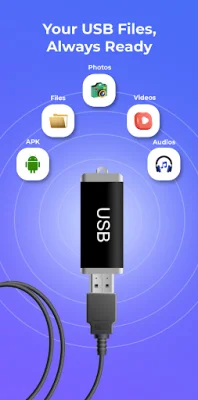
USB OTG Connector is an application that allows users to connect a variety of USB devices to their Android phones. This includes USB flash drives, external USB storage, card readers, SD cards, and microSD cards. The app functions as a file manager, making it easy for users to explore and manage external storage on their Android devices.
With the use of a USB OTG cable, adapter, or USB Type-C OTG adapter, users can connect their USB devices to their Android phones. This feature is especially useful for those who want to access USB flash drives, read SD cards or microSD cards using a card reader, manage external USB storage, and transfer files between USB devices and their Android phones.
The app supports common USB storage formats, as long as the device hardware allows it. This means that users can access and manage files from various USB devices using the app.
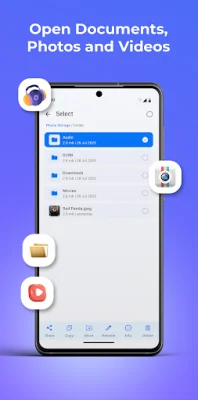
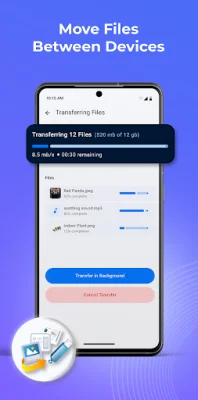
USB OTG Connector provides basic tools for file access, transfer, and management. This includes the ability to browse files from USB drives and SD cards, transfer files between USB storage and the phone, and manage external storage using an OTG USB file explorer. This makes the app useful for everyday file management tasks, as well as USB file transfer and OTG USB access.
For users with supported Samsung devices, USB OTG storage can also be used alongside Samsung DeX. This allows for a more comfortable desktop-like experience when accessing and managing USB storage devices on a larger display. However, this feature is dependent on device hardware and Android version.
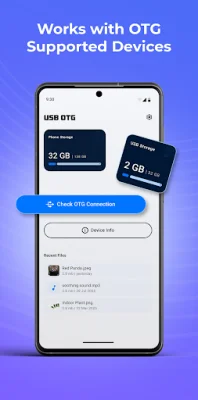
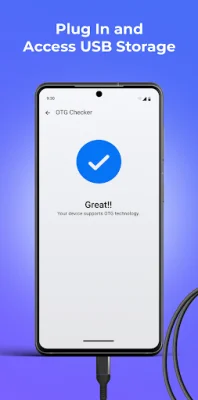
To use the app, users simply need to connect a USB device to their phone using a USB OTG cable or adapter, and then open the USB OTG Connector app. From there, they can access USB storage, SD cards, or external drives and manage files on their Android device. It's important to note that the availability of USB OTG, file system support, and Samsung DeX compatibility may vary depending on the device and Android version.
In summary, USB OTG Connector is a user-friendly app designed for those who want a simple way to connect and manage USB devices on their Android phones. It supports a wide range of USB devices and provides basic tools for file access, transfer, and management. With the added feature of Samsung DeX compatibility, it offers a more convenient way to work with USB storage on supported devices.
Rate the App












Popular Apps









