
Video Converter: Mp3 Converter
by Fin Studio - AI Apps and Tools (0 Reviews) March 19, 2026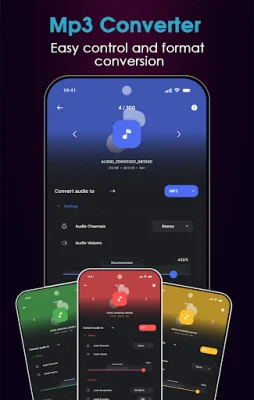
Latest Version
March 19, 2026
Fin Studio - AI Apps and Tools
Tools
Android
0
Free
com.clipfy.media.converter.toolkit
Report a Problem
More About Video Converter: Mp3 Converter
The Video Tools application is a comprehensive media solution that offers a variety of features for editing videos, audio, and images. It includes a video converter, compressor, trimmer, and audio extractor, as well as an audio converter, trimmer, and merger. Additionally, it offers image conversion, resizing, compression, and cropping tools. This all-in-one app is designed for fast and efficient editing, making it a perfect choice for social media users, professionals, and anyone needing to resize or compress media for various purposes.
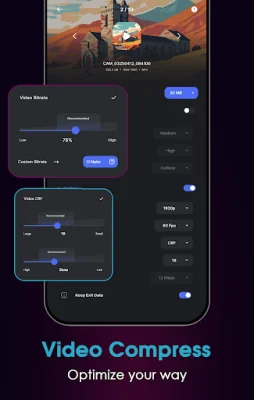
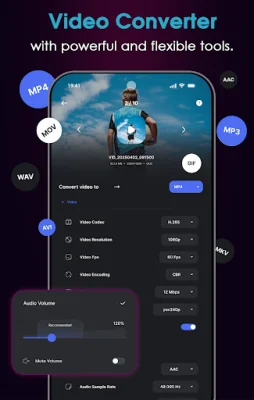
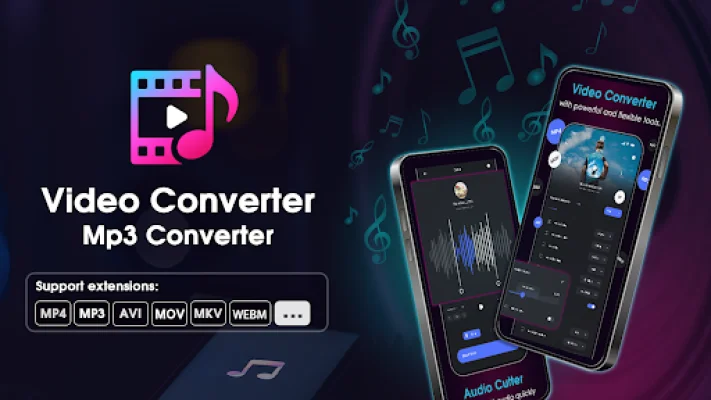
The app supports all major video, audio, and image formats, including MP4, MKV, AVI, MOV, OGV, GIF, 3GP, WEBM, MP3, WAV, AAC, M4A, OPUS, JPG, PNG, WEBP, and JPEG. It also offers a range of options for customization, such as resolution, frame rate, bitrate, and trimming precision. Users can choose from 4K, 1080p, 720p, or custom resolutions, and control frame rate and bitrate from 24fps to 120fps and 64kbps to 20Mbps, respectively.
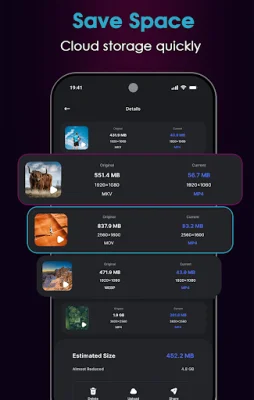
The app also boasts smart file reduction, allowing users to compress videos by up to 90% without compromising quality. It also offers accurate trimming with millisecond-level precision and the ability to extract audio and save it in MP3, AAC, or WAV formats. Users can also work with multiple files at once through the batch processing feature.
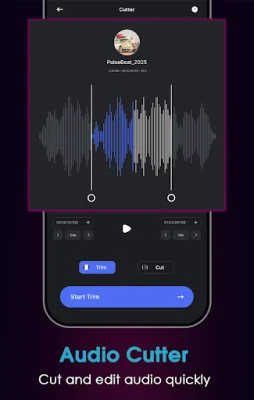
The Audio Tools section of the app includes an audio converter, trimmer, and merger, with support for popular formats such as MP3, WAV, AAC, M4A, and OPUS. It also offers waveform-based cutting and full control over bitrate, making it a useful tool for podcasters and professionals editing sound.
The Image Tools section offers a variety of features for image editing, including format conversion, resizing, compression, and cropping. It supports popular image formats such as JPG, PNG, WEBP, and JPEG, and allows users to compress images from MB to KB in seconds. It also offers smart cropping options and bulk actions for working with multiple images at once.
One of the main advantages of Video Tools is its all-in-one nature, eliminating the need for multiple apps for different media editing tasks. It is designed for fast and efficient editing, maintaining original quality through advanced encoding with H.264, HEVC, and VP9. This makes it a perfect choice for social media users, professionals, and anyone needing to resize or compress media for various purposes.
For those in need of assistance, the app offers customer support through email. Overall, Video Tools is a comprehensive and efficient media editing solution that offers a range of features for video, audio, and image editing. Its compatibility with a wide range of formats and its user-friendly interface make it a great choice for social media users, professionals, and anyone needing to edit media quickly and easily.
Rate the App













Popular Apps









