

Voice Access
by Google LLC (0 Reviews) July 25, 2024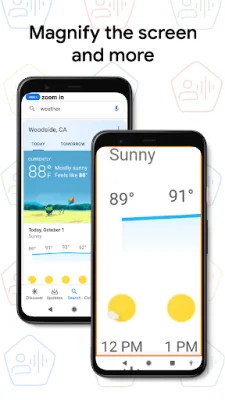
Latest Version
July 25, 2024
Google LLC
Tools
Android
0
Free
com.google.android.apps.accessibility.voiceaccess
Report a Problem
More About Voice Access
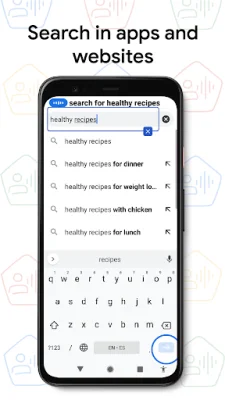
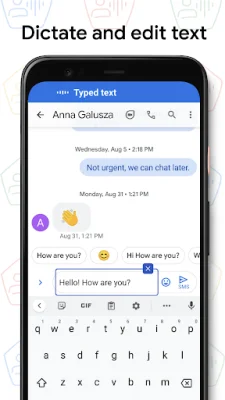
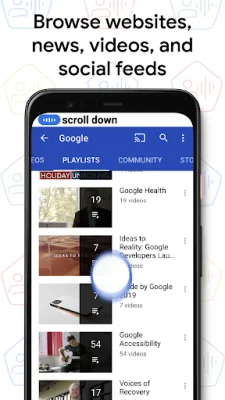
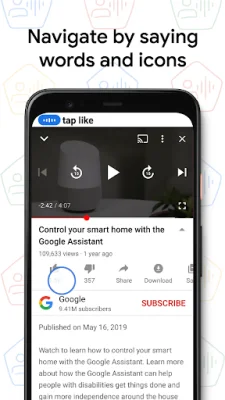
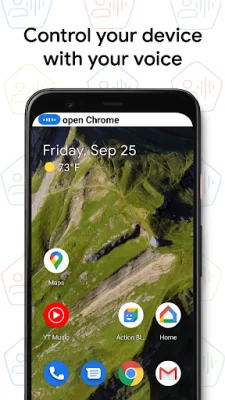
Voice Access is an application that allows users to navigate their device using voice commands. These commands can be used for basic navigation, controlling the current screen, and text editing and dictation. Users can also say "Help" at any time to see a list of available commands. The app includes a tutorial to introduce users to the most common voice commands, such as starting Voice Access, tapping, scrolling, basic text editing, and getting help.
Users can start Voice Access by using the Google Assistant and saying "Hey Google, Voice Access". This feature requires enabling "Hey Google" detection. Alternatively, users can tap on the Voice Access notification or a blue Voice Access button to start using the app.
To temporarily pause Voice Access, users can say "stop listening". To disable the app completely, users can go to Settings > Accessibility > Voice Access and turn off the switch.
Voice Access is designed to assist users with motor impairments and uses the AccessibilityService API to collect information about the controls on the screen. This allows the app to activate controls based on the user's spoken instructions. For additional support, users can refer to the Voice Access help section.
Rate the App















Popular Apps









