
Walkie talkie- wifi intercom
2.0.3 by Buddies Tech (0 Reviews) July 28, 2024

Latest Version
2.0.3
July 28, 2024
Buddies Tech
Tools
Android
0
Free
com.walkie.talkie.pushtotalk.two.way.walkietalkie.app
Report a Problem
More About Walkie talkie- wifi intercom
The online walkie-talkie is a convenient app that allows you to easily connect and communicate with your loved ones through WiFi. Even if you don't have internet access, you can still use this app to have secure and fast conversations with your friends who are nearby. All you need to do is install the 📻 two way radio- Bluetooth PTT walkie talkie app and you're good to go.
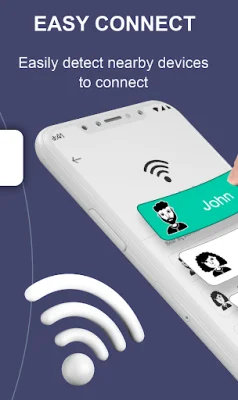
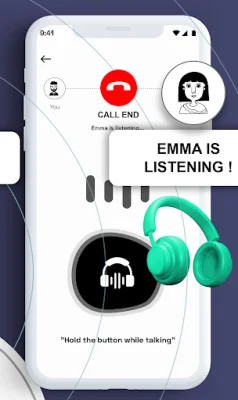
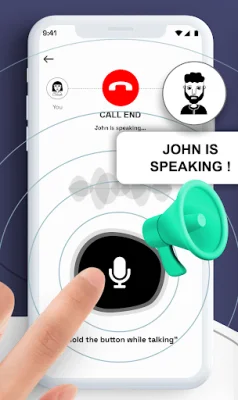
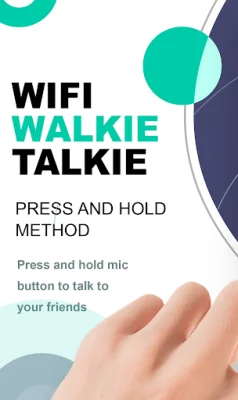
The PTT walkie talkie app has many useful features such as quick scan and connection, no need for internet, and the ability to use both WiFi direct and Bluetooth. You can simply hold down the talk button to start talking, making it easy and efficient to use. There's no need to create an account or login, and you can easily change your username. Plus, you don't even need a WiFi connection for the two way radio function.
With transparent audio voice and the ability to connect multiple devices, this app is perfect for both personal and business communication. It's also user-friendly and has a great UI/UX design interface. You can trust that your conversations will be safe and secure with this android Push to talk app.
The Walkie talkie- wifi intercom app allows you to turn your phone into a two way radio, eliminating the need for WiFi. This means you can communicate with others without worrying about heavy mobile bills. It's a free-of-cost connection maker that doesn't require a sim card for calling.
This app also allows for group calls with friends and provides real-time voice transfer. It works on long-range signals, similar to internet signals, and doesn't require any WiFi or cellular data. The Bluetooth two way radio feature allows for quick scanning and connection with nearby devices, making it even easier to use.
In order to use this app, you will need to allow location, microphone, and Bluetooth permissions. These are necessary for the app to search for nearby devices, record your voice, and connect with others. Once you have downloaded and installed the app, simply press the start button, select an avatar and enter your name, and start making calls. You can choose a device to connect with and hold down the talk button to start talking. It's that easy!
Rate the App















Popular Apps









