

WiFi Analyzer (open-source)
by VREM Software Development (0 Reviews) July 25, 2024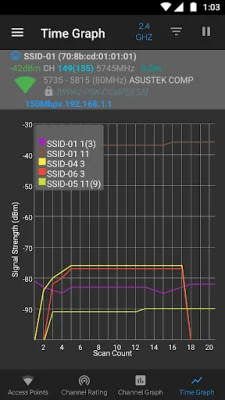
Latest Version
July 25, 2024
VREM Software Development
Tools
Android
0
Free
com.vrem.wifianalyzer
Report a Problem
More About WiFi Analyzer (open-source)
WiFi Analyzer is an open-source application that prioritizes the privacy and security of its users. It only asks for the necessary permissions to perform its functions and all of its code is available for anyone to see. This means that users can trust that their personal and device information is not being sent to any other source or received from any other sources. The app is constantly being developed by volunteers and is completely free with no ads or collection of personal information.
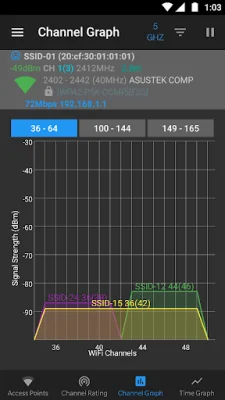
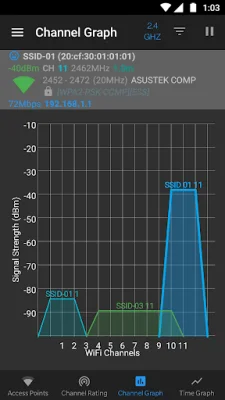
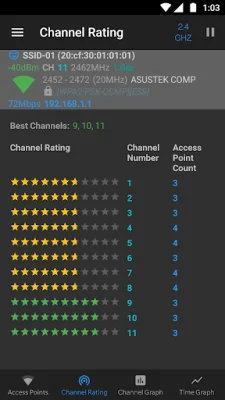
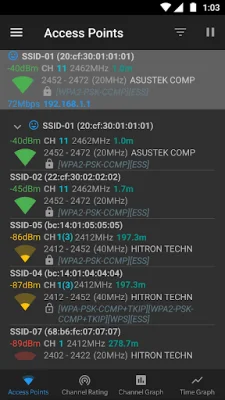
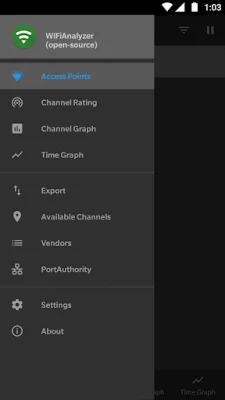
It is important to note that WiFi Analyzer is not a tool for cracking WiFi passwords or phishing. Instead, it offers a variety of features to help users analyze and improve their WiFi networks. These features include identifying nearby access points, graphing signal strength, and analyzing networks to rate channels. It also has the ability to detect different WiFi bands and access point views, as well as export access point details and provide a vendor/OUI database lookup.
For more information and helpful tips on how to use WiFi Analyzer, users can visit the website provided. The website also includes a list of features, usage tips, how-to guides, and a FAQ section. It is also noted that Android 9 and above may require location permission and services to perform a WiFi scan, and there is a new developer option in Android 10 to toggle off WiFi scan throttling.
For bug reports and code contributions, users can visit the GitHub page for WiFi Analyzer. The developers encourage original and SEO-oriented feedback. With its commitment to privacy and security, as well as its constantly evolving features, WiFi Analyzer is a valuable tool for anyone looking to improve their WiFi network.
Rate the App















Popular Apps









