

Wifi Analyzer Show Password
1.6.4 by Secure Apps Hub (0 Reviews) May 17, 2026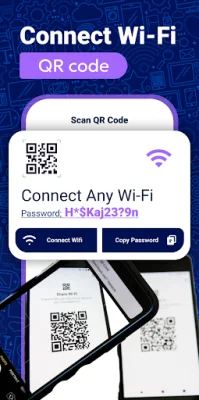
Latest Version
1.6.4
May 17, 2026
Secure Apps Hub
Tools
Android
0
Free
com.wifipassword.show.wifishowpassword.wifianalyzer
Report a Problem
More About Wifi Analyzer Show Password
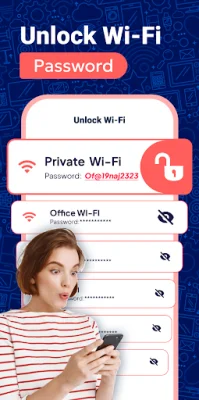
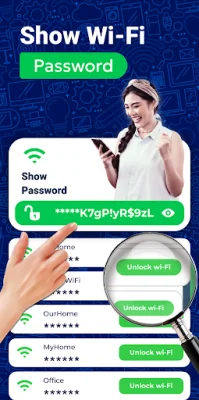
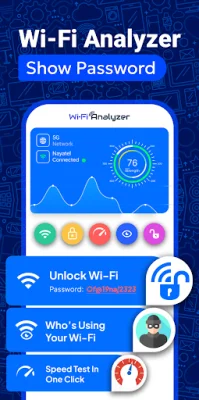
The Show Password application is a useful tool for anyone who has forgotten their saved WiFi passwords. With this feature, users can easily retrieve all saved passwords on their device, making it perfect for connecting new devices or sharing networks with friends. No more guessing or resetting – simply tap to access stored passwords.
Another convenient feature of this application is the Scan QR Code to Connect WiFi. By scanning the QR code provided by a network, users can instantly join without the hassle of manually entering passwords. This makes connecting to WiFi quick and easy.
To ensure network security, the Password Generator feature allows users to create strong and complex passwords for their WiFi networks. Users can customize the length and characters of their passwords to make them both secure and easy to remember. This is an essential tool for staying ahead of potential security threats.
The WiFi Lists feature allows users to discover and manage all available WiFi networks around them. They can view detailed information such as network names, signal strength, and security types. This makes it easy to connect to the best available network and stay online with confidence.
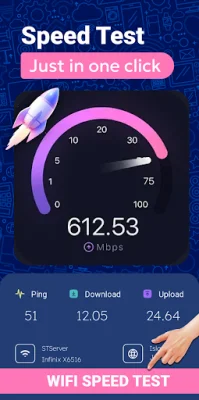
For those curious about their internet speed, the Speed Test feature provides accurate results for download and upload speeds. This is helpful for troubleshooting slow connections or comparing different networks.
The WiFi Information feature provides in-depth details about the connected WiFi network, including IP address, MAC address, gateway, and DNS. This is useful for advanced users who need to understand their network's configuration and performance.
By using the WiFi Signals feature, users can optimize their WiFi connection by analyzing signal strength. They can view real-time signal strength, identify weak spots, and find the best location for their router or device. This is perfect for improving WiFi coverage and ensuring a stable connection.
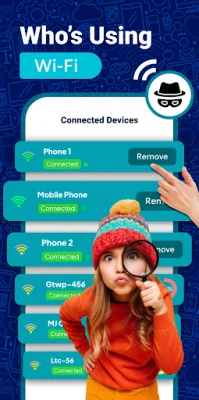
The Connect Devices feature allows users to monitor all devices connected to their network. They can identify unknown devices and keep track of all connections to ensure network security and optimization.
It is important to note that the WiFi Analyzer Show Password application requires location permission to scan and detect nearby WiFi networks. Camera permission is also required for automatic connectivity via WiFi QR code. The app will only display passwords for networks that are connected through the application, and no personal data is collected or stored beyond the necessary permissions for functionality. The privacy and security of users are top priorities for this application.
Rate the App













Popular Apps









