

WiFi Auto Connect :WiFi Master
3.3 by Creation Apps LLC (0 Reviews) April 07, 2026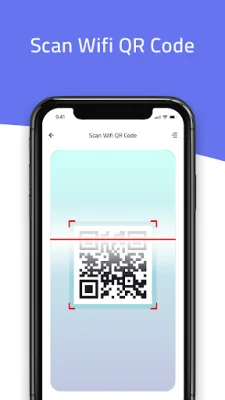
Latest Version
3.3
April 07, 2026
Creation Apps LLC
Tools
Android
0
Free
wifi.auto.connect.wifi.setup.master
Report a Problem
More About WiFi Auto Connect :WiFi Master
A WiFi connection is a type of wireless connection that uses less power than a mobile data connection. This makes it a smart choice to keep the WiFi radio active on your phone whenever a WiFi network is in range. However, when your device is out of range, it is important to have an app that can automatically turn off the WiFi to save battery life. This is where the Auto WiFi On/Off app comes in.
This app is designed to automatically turn on and off your WiFi connection based on certain triggers. It is important to note that this app is not compatible with Android 10 and above devices.
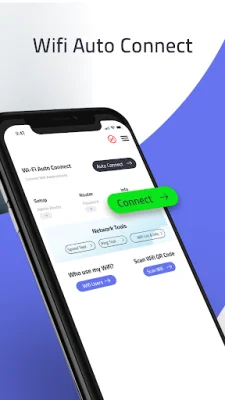
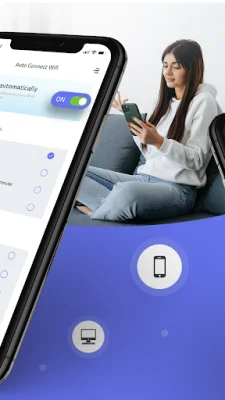
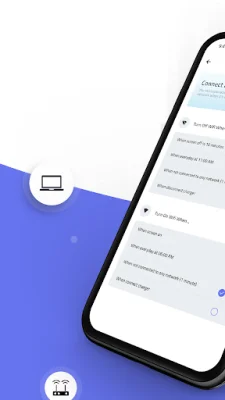
The main feature of this app is the Auto WiFi On/Off function. This means that when your device screen is on, the WiFi will automatically connect. It will also connect when your device is charging or when you launch WiFi required apps. When your device is out of WiFi range and the apps do not require WiFi, the app will automatically turn off the WiFi to save battery life.
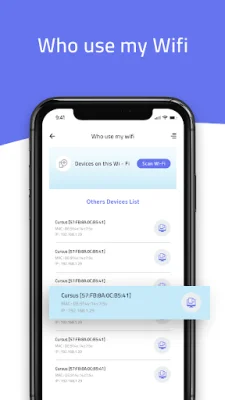
Another useful feature of this app is the "Who Use My WiFi" function. This allows you to see the user and MAC address details of devices connected to your WiFi network. You can also block them from using your WiFi connection through this app.
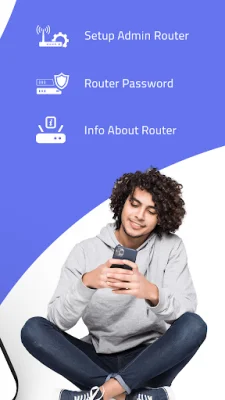
The app also provides information about your connected WiFi router and allows you to save this information for future use. It also has features such as connecting to WiFi using a QR code, a ping tool, and displaying WiFi strength and information. Additionally, it has a list of available WiFi networks and a router admin function.
If you are looking for an app that can automatically manage your WiFi connection and provide useful information about your network, then the Wi-Fi Auto Connect app is a great choice. It is available for free and is easy to use. However, it is important to note that it is not compatible with Android 10 and above devices. Download it now and experience the convenience of automatic WiFi management.
Rate the App















Popular Apps









