

WiFi Mouse
5.3.6 by WiFi Mouse (0 Reviews) August 03, 2024
Latest Version
5.3.6
August 03, 2024
WiFi Mouse
Tools
Android
0
Free
com.necta.wifimousefree
Report a Problem
More About WiFi Mouse
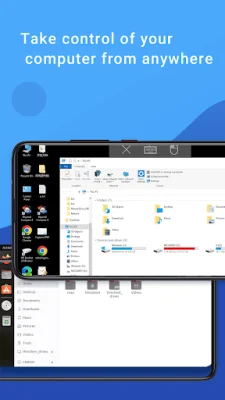
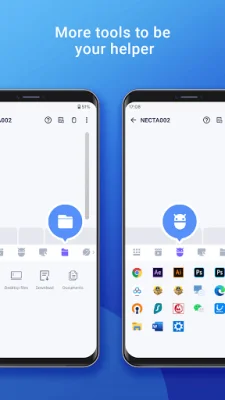
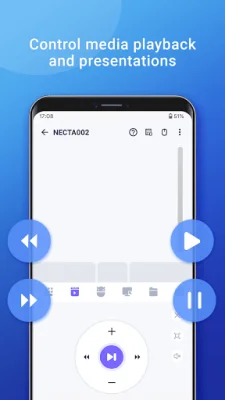
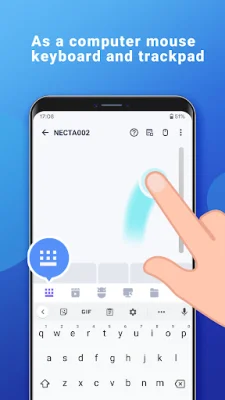
This application allows users to remotely control their computer from anywhere. It has a variety of features including the ability to shutdown or restart your computer, simulate a mouse with a touchpad, and support for various keyboards and input methods. It also has the ability to control media players, launch applications, browse and open computer files, and control web browsers. In addition, it offers features such as a game pad for remote gaming, an air mouse with a gyro sensor, and the ability to control a TV with an infrared blaster. It is compatible with various operating systems including Windows, Mac, and Linux.
To use this application, users must first download and install the mouse server from the website provided. Then, they must ensure that their phone and computer are on the same network and that their firewall allows for the mouse server to connect. Once these steps are completed, users can start the app and connect to their computer.
The application requires certain permissions, such as full network access for the mouse server connection, vibration for key feedback, and the ability to transmit infrared for remote control. It also supports dark mode for Android 10+.
In summary, this application offers a convenient and versatile way for users to remotely control their computer. With its various features and compatibility with different operating systems, it provides a comprehensive solution for remote computer management.
Rate the App















Popular Apps









