WiFi Mouse : Remote Mouse & Re
3.1 by The App Company INC (0 Reviews) August 09, 2024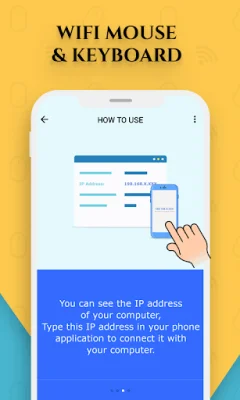
Latest Version
3.1
August 09, 2024
The App Company INC
Tools
Android
0
Free
wifi.mouse.pc.remote.appcompany
Report a Problem
More About WiFi Mouse : Remote Mouse & Re
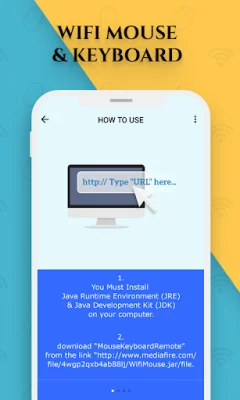
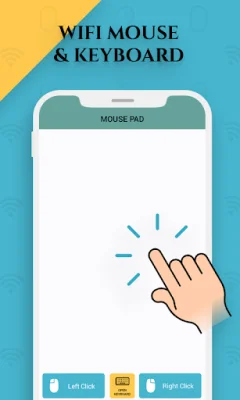
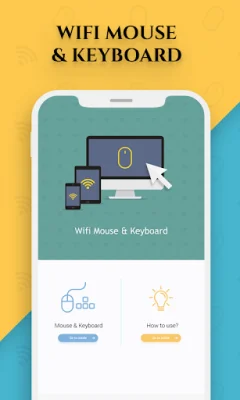
The Remote Mouse & Remote Keyboard app is a convenient and efficient way to use your phone as a wireless mouse and keyboard. By connecting to your existing WiFi, you can easily turn your mobile device into a remote control for your computer. This app features a fully simulated touchpad and keyboard, making your remote experience simple and user-friendly. One of the main features of this app is the fully simulated mouse, which allows you to control your computer with ease. You can also use the simulated computer keyboard and number pad to type and input numbers on your computer. Another useful feature is the ability to copy and paste text from your phone to your computer, making it easier to transfer information between devices. The app also includes features such as easy drag and drop and tap click, making it even more convenient to use your phone as a remote control for your computer. With this app, you can easily control your PC or laptop's mouse and keyboard using your Android phone. To link this app with your computer, there are a few steps you need to follow. First, make sure that both your PC and mobile device are connected to the same WiFi network. Then, you will need to download and install "Java Runtime Environment (JRE)" and "Java Development Kit (JDK)" on your computer. These software can be found online. Once you have completed these steps, you can download the JAR file from the provided link and use it to get the IP address of your computer. This IP address will need to be entered into the app on your phone. Overall, the Remote Mouse & Remote Keyboard app is a useful tool for anyone looking to control their computer remotely. It is easy to use, efficient, and completely free. So why not give it a try and experience the convenience of using your phone as a wireless remote control for your computer? Download the latest version now and enjoy the benefits of this innovative app.
Rate the App















Popular Apps









