WiFi Password Show: WiFi Scan
by RedEvilex (0 Reviews) December 06, 2025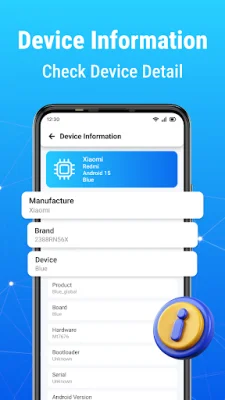
Latest Version
December 06, 2025
RedEvilex
Tools
Android
0
Free
com.wifipassword.passwordshow.speedtest
Report a Problem
More About WiFi Password Show: WiFi Scan
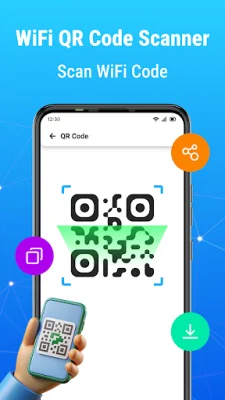
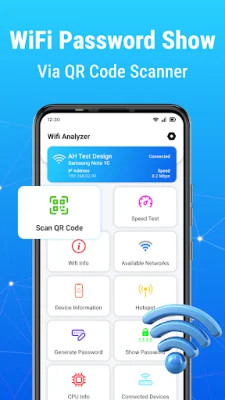
The WiFi Password App is a useful tool that allows users to easily manage and access their saved WiFi passwords. With this app, users can quickly recover their saved WiFi passwords and connect to previously connected networks. The app also features a WiFi QR code share function, which allows users to instantly share their WiFi passwords with others by scanning a QR code. This eliminates the need for manually entering passwords and makes connecting to WiFi networks hassle-free.
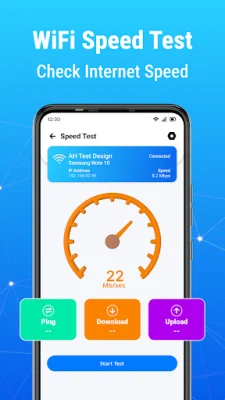
In addition to managing WiFi passwords, the app also offers an internet speed test feature. This allows users to check their WiFi speed and signal strength, as well as their download, upload, and ping rates. This can be helpful in determining the quality of their WiFi connection and identifying any potential issues.
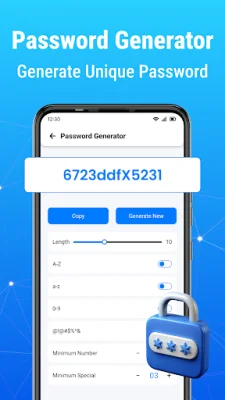
The WiFi Password App also includes a WiFi hotspot connection feature, which helps users find and connect to nearby hotspots. This is especially useful for those who need to access the internet on the go. The app also has a WiFi password generator, which creates strong and secure passwords for users' networks. This helps to keep their network safe from unauthorized access.
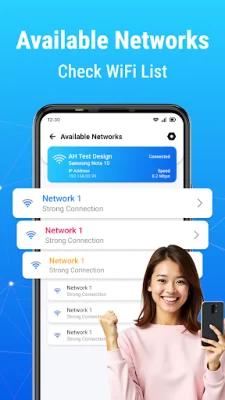
Aside from managing WiFi passwords, the app also has a WiFi list and nearby network feature. This allows users to search and discover available WiFi networks in their vicinity. They can also view detailed information about these networks, such as their names and signal strength. The app also offers additional features, such as checking connected devices, monitoring battery health, and checking CPU information.
It's important to note that the WiFi Password App requires certain permissions, such as location and camera access, in order to function properly. However, the app does not support any illegal activities, such as hacking or unauthorized access to WiFi networks. The privacy of users is also a top priority, and the app does not collect any personal data beyond what is necessary for its functionality.
Rate the App















Popular Apps









