

WiFi Pro FTP Server
2.2.1 by Medha Apps (0 Reviews) July 29, 2024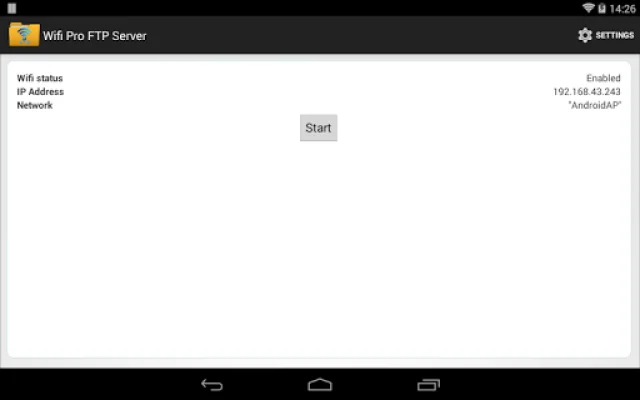
Latest Version
2.2.1
July 29, 2024
Medha Apps
Tools
Android
0
$0.99
com.medhaapps.wififtpserver.pro
Report a Problem
More About WiFi Pro FTP Server
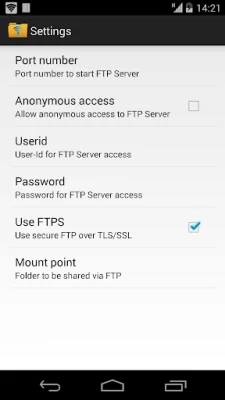
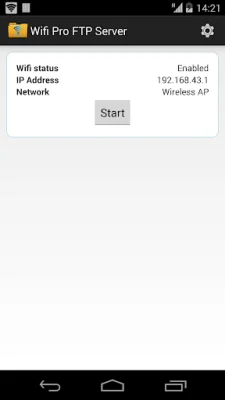
This application is a complete FTP server that allows users to transfer files over Wifi without the need for USB cables. It has several key features that make it a convenient and secure option for file transfer. These features include a configurable port number, support for FTP over TLS/SSL, and the ability to configure anonymous access and home folders.
One of the main advantages of this FTP server is that it allows users to avoid using USB cables for file transfer. This means that users can easily transfer and backup files over Wifi, making it a more convenient and efficient option. Additionally, the server works over both Wifi and Wifi tethering mode, allowing users to access it even when they are not connected to a traditional Wifi network.
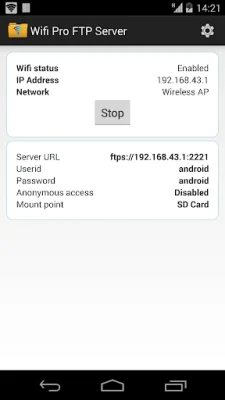
Before purchasing the full version of the app, users can try the free ad-supported version to see if it meets their needs. Any feedback or bug reports can be sent to the support email provided. It's important to note that if users want to use FTPS (FTP over TLS/SSL), they will need to use the server URL ftps:// instead of ftp://.
It's also worth mentioning that FTPS and SFTP are not the same and SFTP support will be added in the future. The port number for the server should be greater than 1024, as binding to ports like 21 will not be possible on non-rooted phones. The default port number is 2221, but it can be changed from the settings screen. For security reasons, anonymous access is not enabled by default, but it can be enabled from the settings screen.
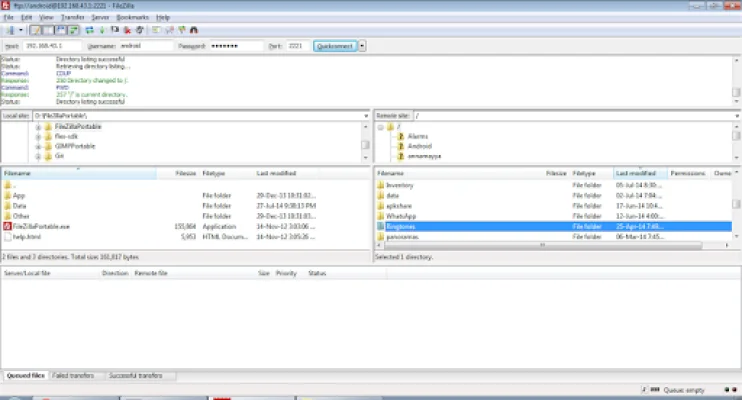
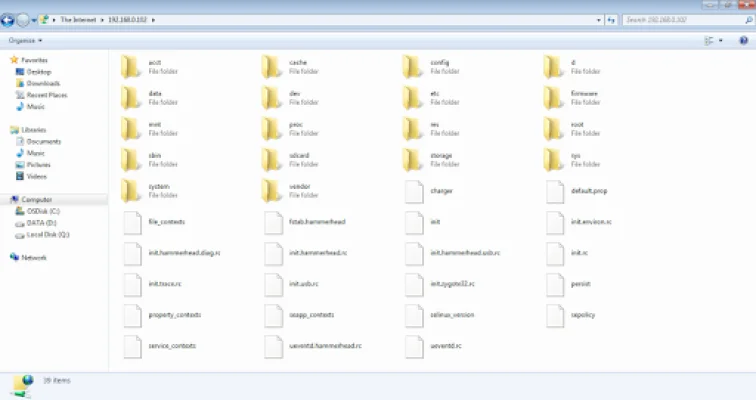
If users do not have an FTP client, they can download Filezilla from the provided link. They can also access the FTP server from Windows File Explorer. To stay updated on the latest news and updates, users can follow the app on Twitter. The developers encourage users to be original and SEO-oriented when tweeting about the app.
Rate the App















Popular Apps









