

WiFi Router Manager: Scan WiFi
1.1.57 by WiFi Router Manager - WiFi Repeater (0 Reviews) November 04, 2025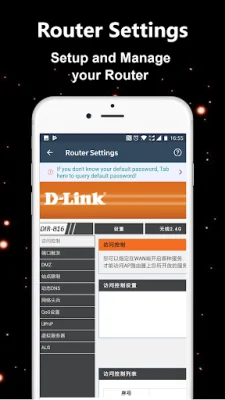
Latest Version
1.1.57
November 04, 2025
WiFi Router Manager - WiFi Repeater
Tools
Android
0
Free
com.wifirouter.wifimanager.wifibooter.wifimonitor
Report a Problem
More About WiFi Router Manager: Scan WiFi
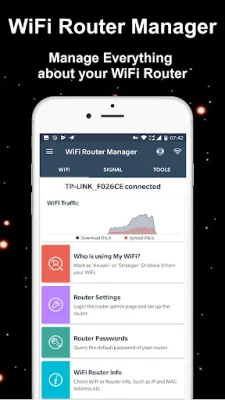
The WiFi Router Manager app is a highly useful tool for managing your WiFi router. It allows you to easily access your router settings and control your WiFi network. With this app, you can detect who is using your WiFi and protect your network from potential threats. It also serves as a speed test tool, providing real-time information on your WiFi speed and helping you manage your router from your smartphone. This app is a great analysis tool that helps you better understand your router and internet settings.
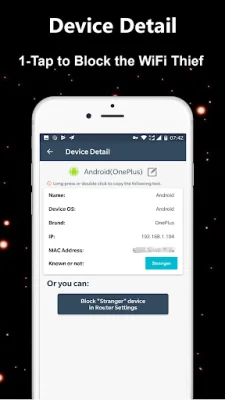
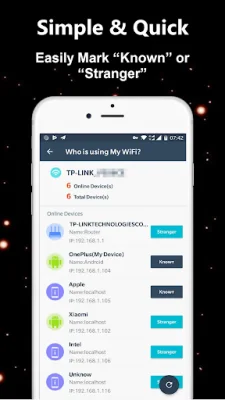
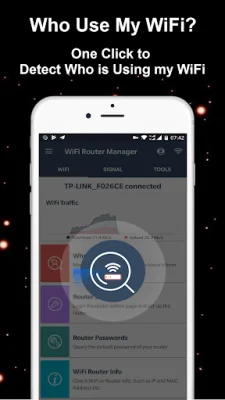
One of the key features of this app is its ability to detect who is connected to your WiFi router. In just a few seconds, you can see a list of all the devices connected to your network, along with their IP addresses, MAC addresses, and vendors. This is a useful feature for monitoring your network and ensuring that only authorized devices are connected.
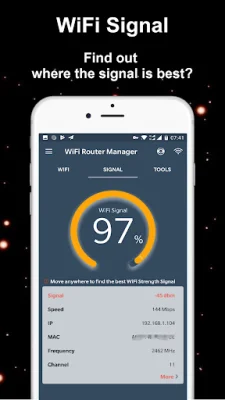
The app also includes a WiFi signal strength meter, allowing you to view your current signal strength and detect the strength of WiFi signals around you in real-time. This can be helpful in finding the best location for your router and improving your overall WiFi connection.
In addition to these features, the app also allows you to access the modem router page of any WiFi router, such as TP-Link, D-Link, Netgear, or Huawei. This means you can easily make changes to your router settings directly from your smartphone. The app also has a feature that helps you discover default keys and passwords for popular WiFi routers, making it easier to access your router if you have forgotten your login information.
In summary, the WiFi Router Manager app is a comprehensive tool for managing and protecting your WiFi network. With its various features and user-friendly interface, it is a valuable tool for anyone looking to optimize their WiFi connection and ensure the security of their network.
Rate the App















Popular Apps









