

WiFi+Transfer | Cross-sys Sync
2.1.77 by Nero AG (0 Reviews) August 08, 2024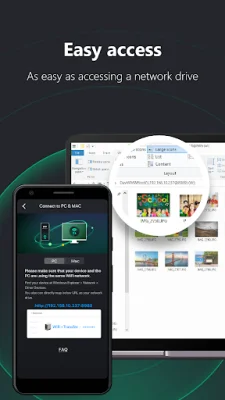
Latest Version
2.1.77
August 08, 2024
Nero AG
Tools
Android
0
Free
com.nero.android.kwiksync
Report a Problem
More About WiFi+Transfer | Cross-sys Sync
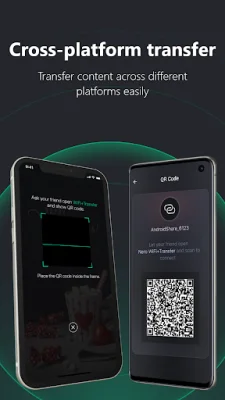
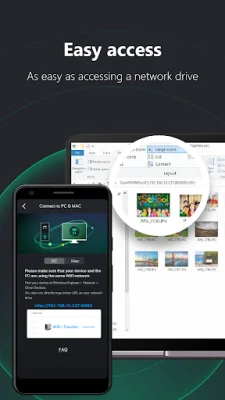
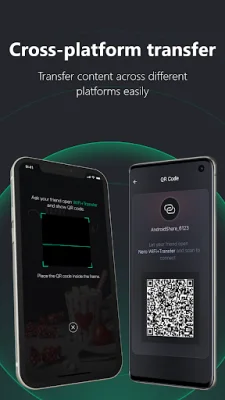
This application allows users to wirelessly transfer files between their mobile devices, PC, and MAC without the need for a USB cable. It eliminates the need for a complex setup or additional applications, making it easy to use for all users. The app is cross-platform, meaning it can be used on different devices and operating systems.
The app has a variety of features that make it convenient and efficient for file transfer. It automatically finds nearby devices, making it easy to connect and transfer files. With just one tap, users can send or receive files between their mobile devices. There are also multiple ways to build a connection, including via QR code. The app also allows for easy connection between mobile devices and PC or MAC, and supports all file types.
One of the main benefits of this app is its secure transfer feature. Users must authorize the connection with one confirmation, giving them full control over the transfer at both the sender and receiver ends. This ensures that files are transferred safely and securely.
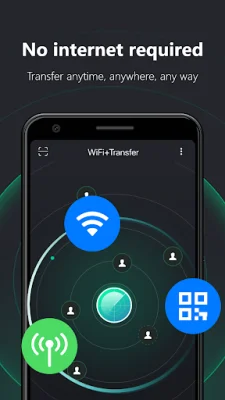
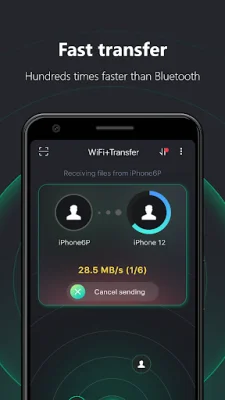
Another advantage of this app is that it does not require an internet connection. Users can transfer files anytime and anywhere, without the need for mobile data or a network connection. There is also no transfer speed limit, and users can transfer an unlimited number and size of files.
The main functions of this app include automatically finding nearby devices, transferring files to any device on the same WiFi network, and connecting devices via QR code. Users can also share photos, videos, and music files to any mobile device offline, and can share files between Android devices, as well as between Android and iPhone, iPad, PC, and MAC. The app also allows for file syncing between Android and PC or MAC, and users can manage their media files on their Android phone as if it were a network drive. Overall, this app offers a convenient, secure, and efficient way to transfer files wirelessly between devices.
Rate the App















Popular Apps









