

X-plore File Manager
4.38.24 by Lonely Cat Games (0 Reviews) July 24, 2024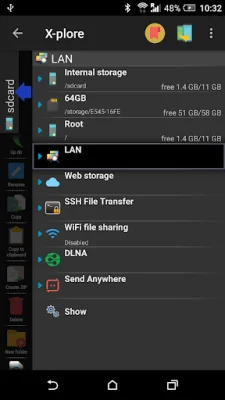
Latest Version
4.38.24
July 24, 2024
Lonely Cat Games
Tools
Android
0
Free
com.lonelycatgames.Xplore
Report a Problem
More About X-plore File Manager
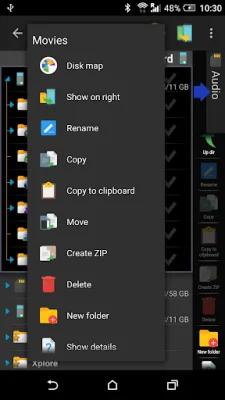
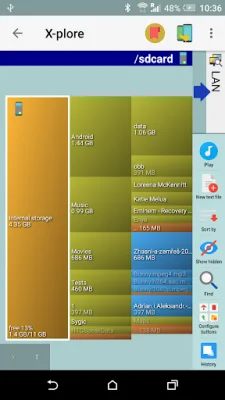
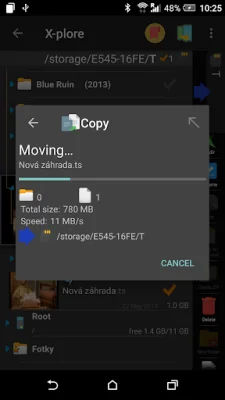
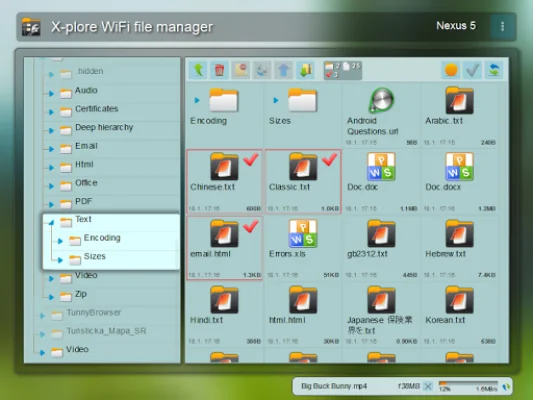
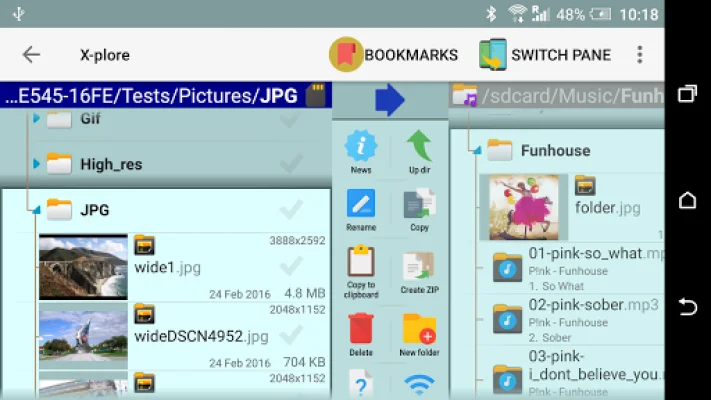
X-plore is an application that allows you to explore the contents of your Android device, as well as external devices such as USB memory sticks. It features a dual-pane tree view, where two folders are shown at the same time, making it easy to copy files between them. The app also displays the folder hierarchy in a tree view for quick navigation. For power users with rooted devices, X-plore allows for changes to system data, such as backing up files or removing unwanted applications. For standard users, there is an option to hide internal memory to avoid accidentally altering system files. The app also includes a simple app manager, allowing users to view, run, copy, share, and uninstall installed applications. It also has a music player that can play tracks from any location. X-plore offers various ways to access files, including WiFi file sharing between Android devices and managing files from a PC web browser. It also supports FTP and FTPS servers, as well as access to various cloud storage services. For added security, X-plore has a Vault function that allows users to encrypt sensitive files, even using their fingerprint for authentication. The main operations of X-plore revolve around managing files and folders, such as viewing, copying, moving, deleting, compressing, extracting, renaming, and sharing. It also has a built-in viewer for popular file types like images, audio, video, and text. Additionally, X-plore can display SQLite database files and has multi-selection capabilities for performing operations on multiple files at once. Users can also choose to open files with either the app's built-in viewer or their device's system application for that file type. Archives, such as Zip, Rar, and 7zip, are also displayed as folders for easy access. Overall, X-plore is a comprehensive file management tool with various features and options for both standard and power users. Some advanced features may require a donation to access.
Rate the App















Popular Apps









