

ZArchiver
1.0.10 by ZDevs (0 Reviews) July 23, 2024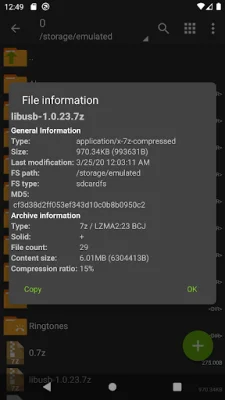
Latest Version
1.0.10
July 23, 2024
ZDevs
Tools
Android
0
Free
ru.zdevs.zarchiver
Report a Problem
More About ZArchiver
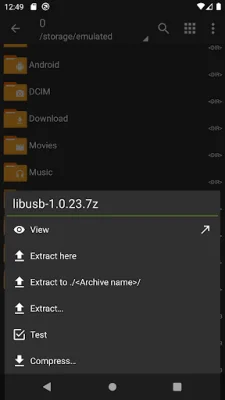
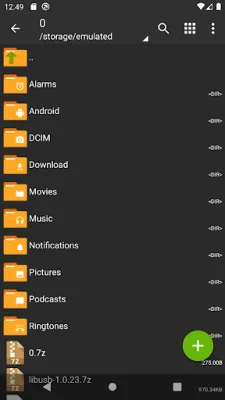
ZArchiver is an application that allows you to create and decompress various types of archives, including 7z, zip, bzip2, gzip, XZ, lz4, tar, and zst. It also allows you to view the contents of these archives. Additionally, you can create and decompress password-protected archives, edit existing archives by adding or removing files, and handle multi-part archives. The app also has the ability to install APK and OBB files from backups, as well as partially decompress archives. You can also open compressed files and archive files from mail applications, and extract split archives.
Some notable features of ZArchiver include its ability to directly open small files (<10MB) without extracting them to a temporary folder, as well as its support for multithreading on multicore processors. The app also supports UTF-8/UTF-16 for filenames, allowing you to use national symbols in your file names.
If you have any ideas or suggestions for the app, you can send them via email or leave a comment. The app also has a mini FAQ section that answers common questions, such as how to compress or extract files and what to do if the app is not working correctly.
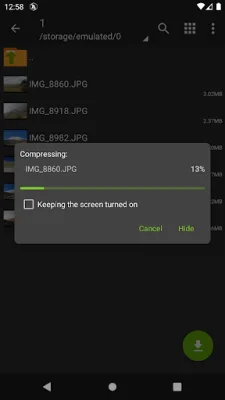
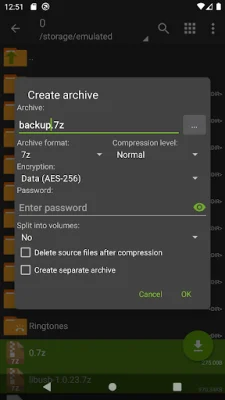
In order to access encrypted archives, you will need to know the password. It is important to note that this password is not the same as your phone's password. If you encounter any issues with the app, you can send a detailed description of the problem via email. To compress files, simply select the files you want to compress and click on the first file, then choose "Compress" from the menu and set your desired options. To extract files, click on the archive name and select the appropriate option. It is recommended to be original and SEO-oriented when naming your files.
Rate the App














Popular Apps









