

ZArchiver Donate
1.0.10 by ZDevs (0 Reviews) July 23, 2024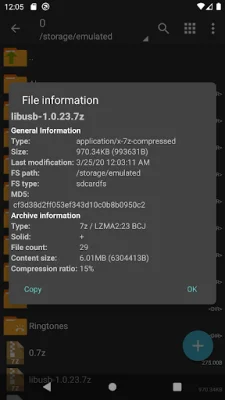
Latest Version
1.0.10
July 23, 2024
ZDevs
Tools
Android
0
$2.99
ru.zdevs.zarchiver.pro
Report a Problem
More About ZArchiver Donate
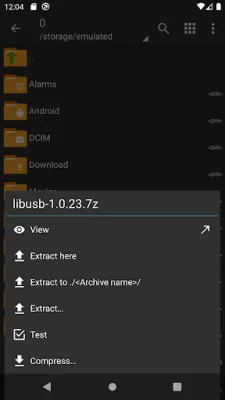
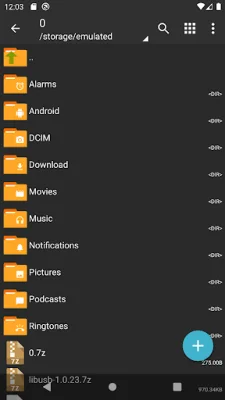
ZArchiver is an application that allows you to manage and organize your archives, including backup applications. It has a user-friendly interface and does not require internet access, ensuring that your information remains private and secure.
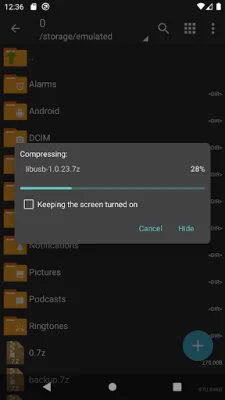
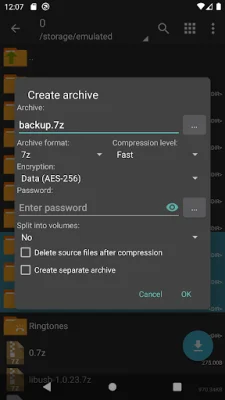
With ZArchiver, you can create and decompress various types of archives, such as 7z, zip, bzip2, and more. You can also view the contents of these archives and create password-protected ones for added security. Additionally, you have the ability to edit archives by adding or removing files, as well as decompressing multi-part archives.
One of the unique features of ZArchiver is its ability to install APK and OBB files from backups, making it a convenient tool for managing your mobile applications. It also supports partial archive decompression and can open compressed files from mail applications.
ZArchiver has some special properties that make it stand out from other archive management apps. It can directly open small files without extracting them to a temporary folder, and it supports multithreading for faster processing. It also has UTF-8/UTF-16 support for filenames, allowing you to use national symbols in your file names.
If you have any suggestions or feedback for the app, you can send them via email or leave a comment. ZArchiver also has a mini FAQ section that answers common questions about the app, such as how to compress and extract files, and what to do if the program is not working correctly.
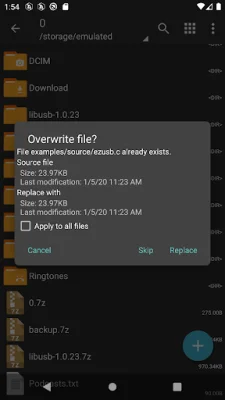
One of the most useful features of ZArchiver is the ability to modify files within the archive. This means you can update a file in the archive after making changes to it in an external program. To do this, simply open the file from the archive, edit it, and save the changes. When you return to ZArchiver, you will be prompted to update the file in the archive. If you do not see this prompt, you can find the modified file on your memory card in the Android/ru.zdevs.zarchiver.pro/temp/ folder.
Rate the App














Popular Apps









