

5G 4G LTE WIFI & Network Tools
1.13 by CreativeIt (0 Reviews) October 11, 2024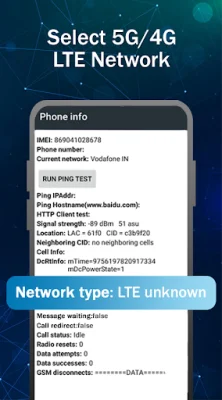


Latest Version
1.13
October 11, 2024
CreativeIt
Tools
Android
0
Free
com.creativeit.networkinfotools
Report a Problem
More About 5G 4G LTE WIFI & Network Tools
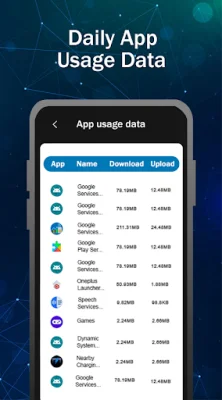
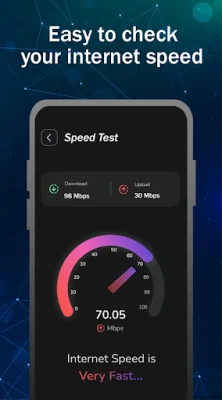
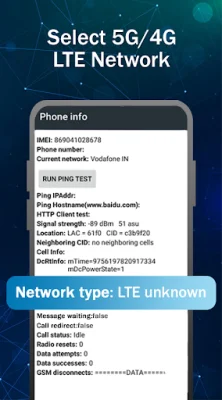
This application provides users with all the necessary information and details about their device's network and internet connection. This includes information about the SIM card, WiFi, network type, data usage, and internet speed. Before using the app for the first time, users are advised to turn on their internet connection. The main features of the app include the ability to switch between different network modes, such as 5G, LTE, EvDo, CDMA, WCDMA, and GSM, with just one click. Users can also configure advanced network settings and lock their phone in a specific network mode for a stable signal. The app also allows users to check their device information, WiFi strength, and nearby access points, as well as graph the signal strength of different channels. The app also provides users with network information, such as connection status, IPV4 and IPV6 addresses, MAC address, network type, roaming status, and 4G/5G/Volte status. Users can also view bandwidth information, including download speed, bytes received and transmitted since boot. For mobile data, the app displays SIM information, such as network operator code and name, SIM technology type, operator code, phone number, and dual SIM support. Users can also view their IMEI numbers for all SIM cards. The operator info section displays information about the SIM operators, connected WiFi, and available WiFi networks. The app also allows users to check their internet speed for both mobile data and WiFi, displaying ping, download speed, and upload speed. Users can also fetch their location through the app. In terms of data usage, the app provides users with a breakdown of their usage on a daily, weekly, and monthly basis, with a graph available for easy visualization. To use the app, users simply need to open it and click on the SIM LTE|3g|2G Settings button to switch to 4G mode. They can then find the option to set their preferred network type and select LTE ONLY. However, it should be noted that this app may not work on all smartphones, as some restrict the ability to force switch network modes.
Rate the App














Popular Apps









