
AirDroid Business
1.2.1.0 by SAND STUDIO (0 Reviews) August 13, 2024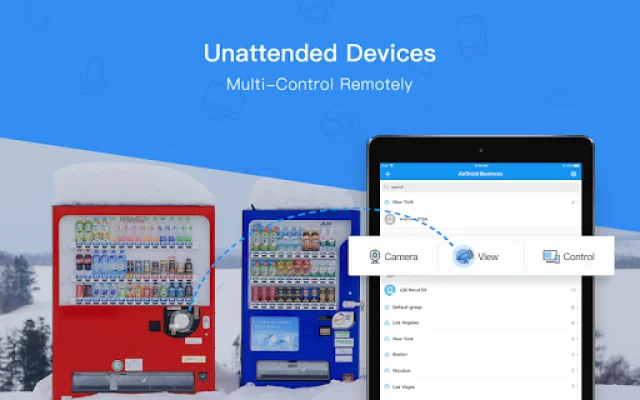
Latest Version
1.2.1.0
August 13, 2024
SAND STUDIO
Tools
Android
0
Free
com.sand.airdroidbizc
Report a Problem
More About AirDroid Business
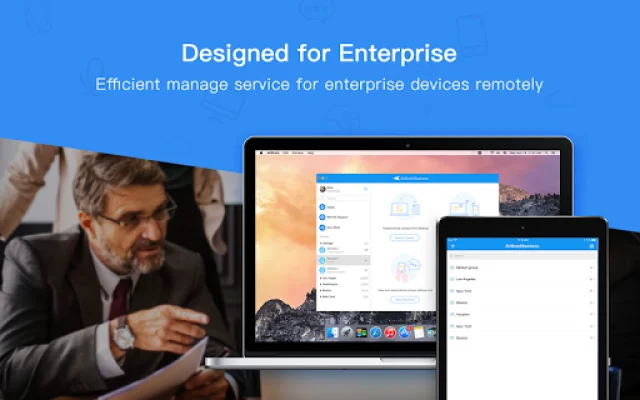
AirDroid Business is an application that can be used on various types of Android devices, including POS, mPOS, digital signage, Android boxes, corporate-owned devices, and unattended devices. It caters to a wide range of industries such as logistics, retail, IT services, and advertising. The app offers a variety of features to help businesses effectively manage and control their Android devices.
One of the key features of AirDroid Business is its Android Kiosk Mode. This allows any Android device to be turned into a digital kiosk by locking down the user interface. This means that users can only access applications and system settings that have been configured by the system administrator. The app also offers the option to create an app whitelist, where only approved applications can be accessed. It also has a single app mode and multi-app mode lockdown, as well as the ability to automatically activate kiosk mode after rebooting. Businesses can also customize the branding for the device's home screen and lock screen layout, and add password protection to prevent unauthorized access.
The Application Management Service (AMS) is another useful feature of AirDroid Business. It allows businesses to easily update, release, and maintain apps on remote devices. System administrators can plan and dictate how they want to update or release apps to designated devices. This includes options such as force installation, scheduled release, staged rollout, and app release on demand. The app also offers custom branding options for the App Library, allowing businesses to tailor the interface to their company's branding.
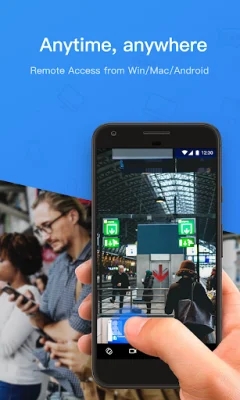
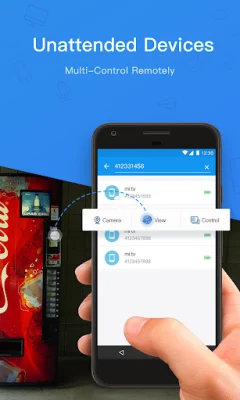
AirDroid Business also offers remote control capabilities, allowing users to access Android devices of any brand or manufacturer remotely without needing root permission. This can be useful for troubleshooting and solving software issues quickly. The app also has a device location tracking feature, which allows businesses to track the location of couriers and vehicles in real-time or see if a device has been stolen.
The Device Wall feature of AirDroid Business allows administrators to see the screens of all managed devices in one place. This allows for remote monitoring of device status and information, as well as application status in real-time. The app also offers file transfer and management capabilities, allowing businesses to easily transfer files of different types and formats to remote devices. It also supports batch file deletion, making future file management simpler. Additionally, businesses can share files and solve software issues quickly through the app's file transfer feature.
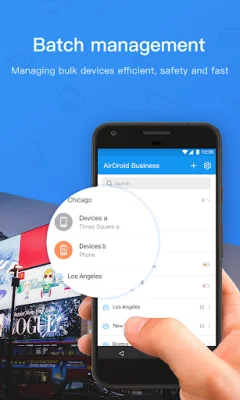
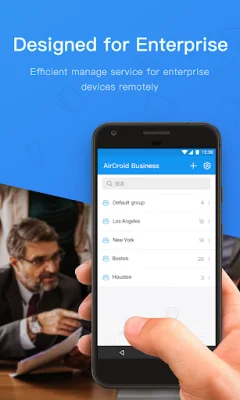
AirDroid Business also offers group management and role-based access control. This allows businesses to assign employees and devices into groups based on operational requirements. Different roles can also be assigned to members, such as administrator, team member with access rights, or view-only member.
To get started with AirDroid Business, users can install the app and open it. They can then tap on the 'Get Free Trial' button to start a 14-day free trial with no credit card required. Alternatively, they can visit the AirDroid Business website to apply for a free trial. Once the trial is activated, users can log into the AirDroid Business Admin Console to start using the app with full functionality. For more information on effective Android device management, users can visit the AirDroid Business website. To get started with the app, users can also visit the help section on the website for step-by-step guides and tips.
Rate the App















Popular Apps









