AirDroid Cast TV
1.0.2.0 by SAND STUDIO (0 Reviews) July 30, 2024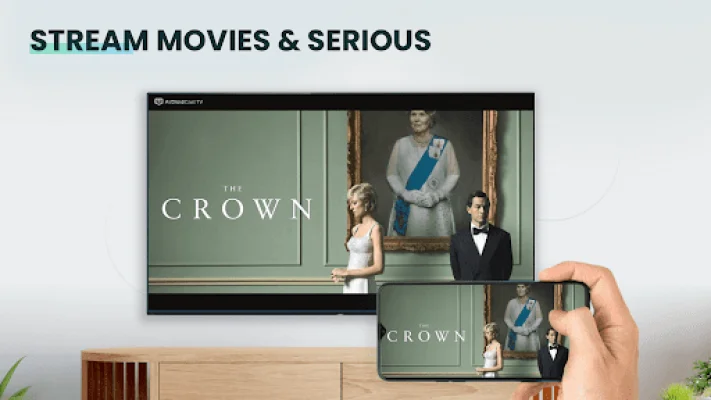
Latest Version
1.0.2.0
July 30, 2024
SAND STUDIO
Tools
Android
0
Free
com.sand.aircasttv
Report a Problem
More About AirDroid Cast TV
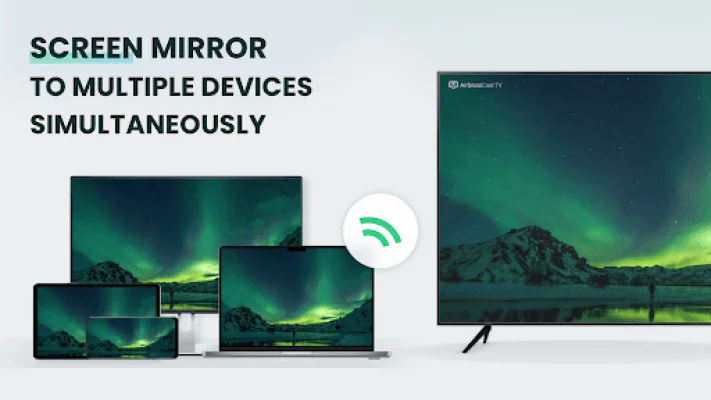
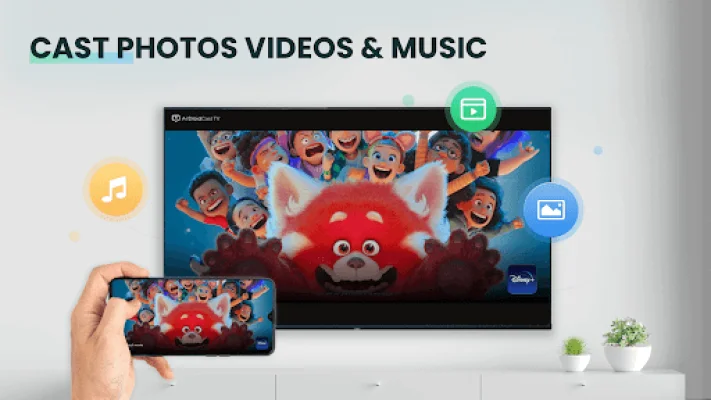
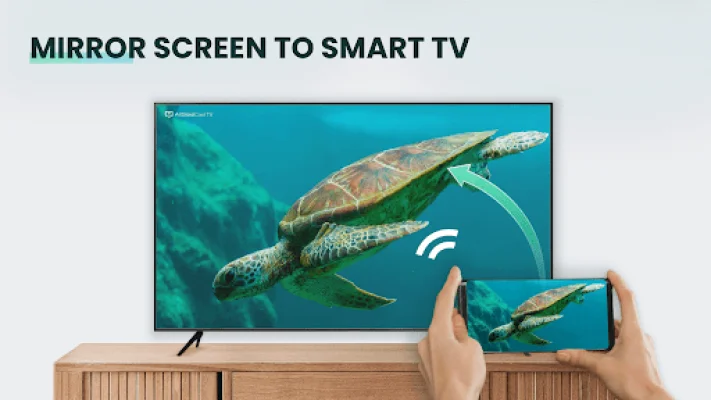
AirDroid TV Cast is an application that allows you to mirror your phone screen onto your TV, making it easier to view photos, videos, and even play games on a larger screen. It also allows you to stream your favorite movies, TV shows, and series, as well as share presentations and documents. One of the standout features of AirDroid TV Cast is its ability to support casting beyond your local network, meaning you can use it even when you're not at home. The best part? No client installation is needed, as you can simply use AirPlay or visit webcast.airdroid.com on your desktop.
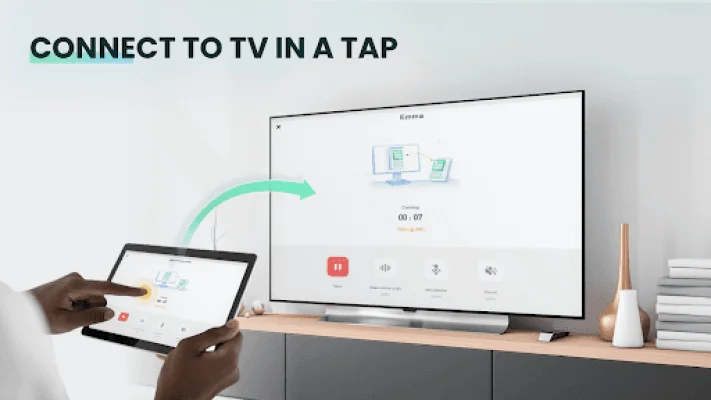
There are three ways to cast your screen wirelessly with AirDroid TV Cast. You can use the Cast code of the app to connect, connect using AirPlay if your device supports it, or simply access webcast.airdroid.com on your desktop browser. This makes it easy for users to choose the method that works best for them.
AirDroid TV Cast supports nearly all major platforms and does not require any additional hardware or software. It offers high-quality screen mirroring without any delays, making it a seamless experience for users. You can also cast photos and videos from your Photo Library or from the web, giving you even more options for sharing content on your TV.
For a limited time, AirDroid TV Cast offers free usage for local network casting. This is a great opportunity to try out the app and see for yourself the benefits of a better cast visual experience. With AirDroid TV Cast, you can enjoy watching any web video, online movie, Livestream, or live TV show on your TV or Blu-ray Player.
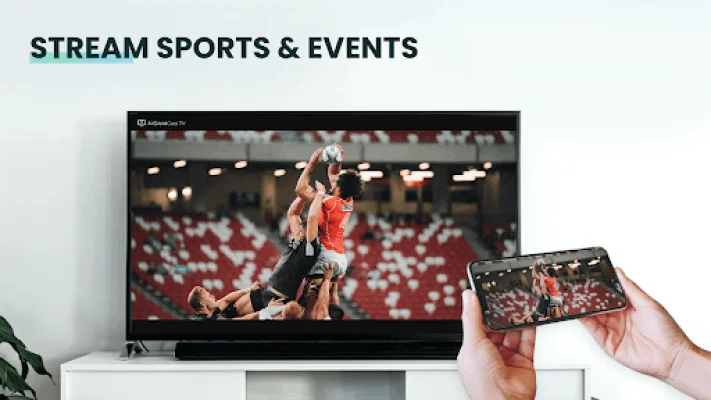
To start using AirDroid TV Cast, simply open the app and scan the mirroring code after installing it on your device. You won't need to install any big media server or third-party software, making it a hassle-free experience. The app also supports watching videos from your favorite websites, including movies, TV shows, and live streams of news and sports.
AirDroid TV Cast is compatible with popular streaming devices such as Google Cast, DLNA devices, PlayStation 4, and most web browsers. However, compatibility may vary depending on the device, so if you experience any issues, you can contact the app's support team for assistance. It's important to note that your streaming device must be capable of decoding the video you are playing, as the app does not perform any video/audio decoding or transcoding.
If you have any feedback or questions about AirDroid TV Cast, the app's developers are committed to open communication with their users. You can contact them through their website and they will promptly respond and address your concerns. So why wait? Try out AirDroid TV Cast and enhance your TV viewing experience today!
Rate the App















Popular Apps









