

OpenMirror - Phone Screen cast
by TECH PASTOR (0 Reviews) May 02, 2026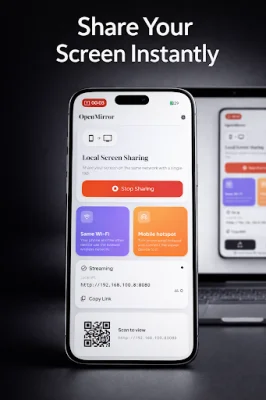
Latest Version
May 02, 2026
TECH PASTOR
Tools
Android
0
Free
com.openmirror.app
Report a Problem
More About OpenMirror - Phone Screen cast
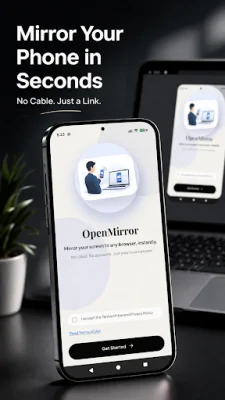
OpenMirror is an innovative and versatile application that transforms your phone into a powerful streaming tool, perfect for a variety of purposes such as presentations, demos, teaching, or quick screen sharing. With just a few simple steps, you can easily share your screen with others and make your content accessible to a wider audience.
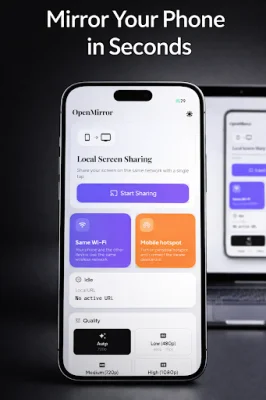
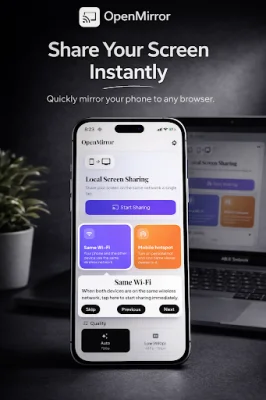
The app works by simply opening it and tapping on the "Start Sharing" button. This will generate a local link that can be opened in any browser, allowing others to view your screen in real-time. It's that easy - no complicated setup or additional apps required.
One of the key features of OpenMirror is its ability to instantly share your screen over a local Wi-Fi network. This means that you can easily access your content from any browser without the need for an app on the viewer's side. The app also automatically generates a link and offers a QR code for quick and convenient connection. Additionally, you can choose from multiple quality options, including 480p, 720p, and 1080p, to ensure the best viewing experience for your audience.
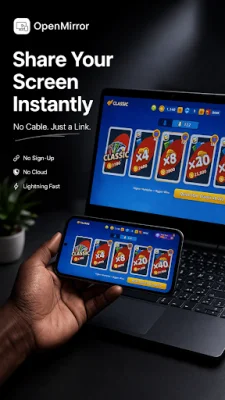
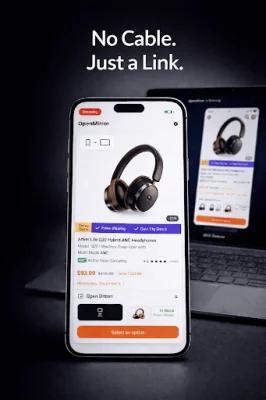
OpenMirror has a wide range of use cases, making it a valuable tool for various scenarios. It can be used for pitch presentations, teaching and training, app demonstrations, and even screen sharing without the hassle of cables. It's also great for testing across multiple devices, making it a useful tool for developers.
One of the main advantages of OpenMirror is its simplicity and efficiency. Unlike traditional screen mirroring apps, it is fast to start and fully local, meaning it does not require an internet connection. This also ensures privacy, as your data stays within your local network and is not stored on any external servers.
OpenMirror is constantly evolving, with more features on the way. These include multi-device streaming, remote control, and advanced tools, making it an even more versatile and valuable tool for users. So why wait? Try OpenMirror today and experience the convenience and efficiency of local screen sharing.
Rate the App















Popular Apps









