

Android Device Policy
by Google LLC (0 Reviews) July 30, 2024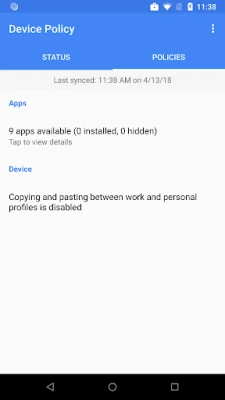
Latest Version
July 30, 2024
Google LLC
Tools
Android
0
Free
com.google.android.apps.work.clouddpc
Report a Problem
More About Android Device Policy
Android Device Policy is an application that allows developers to easily enroll and manage devices using the Android Management API. This API can be accessed through the provided link and is specifically designed for use with Android Device Policy. With this app, users can gain access to managed Google Play and their work email and resources.
Developers can use the Android Management API to efficiently manage devices that have Android Device Policy installed. This API streamlines the process of device management and allows for a more organized and effective approach. By utilizing this API, developers can ensure that devices are properly enrolled and managed, making it easier for users to access their work resources and Google Play.
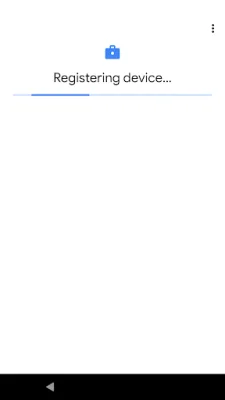
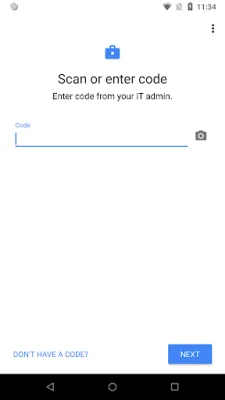
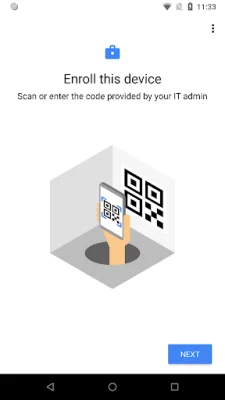
When using Android Device Policy, users may be prompted to grant certain permissions. These permissions include access to the camera, contacts, phone, and location. The camera permission is used to scan QR codes for enterprise enrollment, while the contacts permission is necessary for adding a work account to the device and accessing managed Google Play. The phone permission is used for device registration and reporting device identifiers to the IT admin. Lastly, the location permission is used to query available WiFi networks and offer a new network if the current configuration is not working properly.
It is important to note that users have the option to opt out of these optional permission requests and still use the app. This allows for a more personalized experience and ensures that users are comfortable with the level of access they are granting. With this feature, users can still utilize the app and its features without feeling like their privacy is being compromised.
In summary, Android Device Policy is a valuable tool for developers looking to efficiently manage devices. With its integration with the Android Management API, users can easily enroll and access managed Google Play and work resources. The app also offers optional permission requests, giving users control over their privacy. Overall, Android Device Policy is a useful and user-friendly application for device management.
Rate the App















Popular Apps









