

ApowerMirror- Cast Phone to PC
1.8.12 by Apowersoft (0 Reviews) August 01, 2024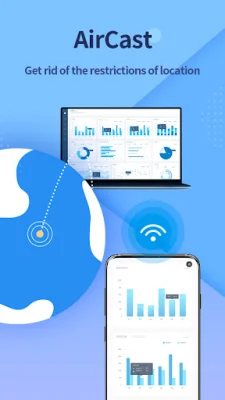
Latest Version
1.8.12
August 01, 2024
Apowersoft
Tools
Android
0
Free
com.apowersoft.mirror
Report a Problem
More About ApowerMirror- Cast Phone to PC
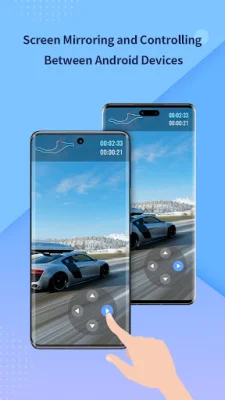
The ApowerMirror app is a screen mirroring tool that allows users to mirror their Android devices to their PC or Mac. It also has the capability to mirror and control one phone from another, making it a useful tool for sharing files and watching videos with friends. The app requires the use of the ApowerMirror desktop program, which can be downloaded from their official website.
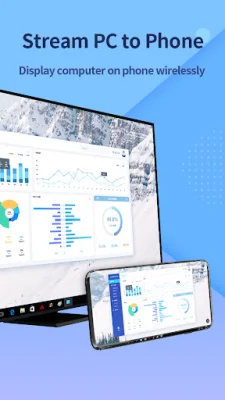
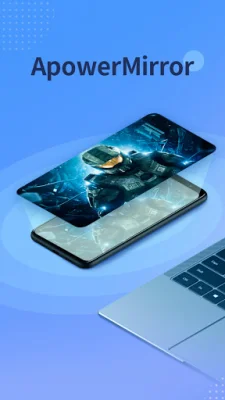
One of the key features of ApowerMirror is its ability to mirror both audio and video from an Android device to a PC or Mac without the need for an AUX cable. This allows for seamless screen mirroring and the ability to stream videos, display apps, and play games in full-screen mode. Additionally, users can also mirror their PC screen to their phone and control it from their device, giving them access to all their computer files and programs.
Aside from mirroring between devices, ApowerMirror also has a feature that allows for screen mirroring between different networks. This means that even if two devices are not connected to the same network, they can still share their screens with each other. This feature can be used for mirroring between phones, casting to a PC, or streaming from a PC to a phone.
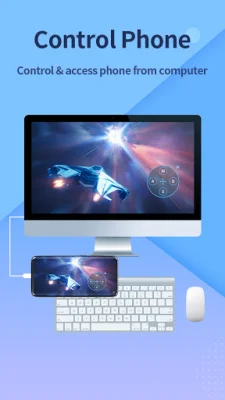
The app also has a reverse control feature that requires "Accessibility" permission. This allows users to control another person's phone for troubleshooting or demonstrations, making it useful for both personal and business purposes. However, denying this permission will prevent users from using this feature, although it will not affect the use of other features.
ApowerMirror is suitable for various screen mirroring occasions, such as personal use, business meetings, online classes, live streaming, presentations, and working from home. It supports multiple devices, including Windows and Mac computers, Android and iOS devices, and smart TVs from various brands. Users can also provide feedback to the developers through email or the feedback feature on the desktop program. Overall, ApowerMirror is a versatile and convenient tool for screen mirroring and controlling devices.
Rate the App















Popular Apps









