
Avica Remote Desktop
8.5.0 by Avica (0 Reviews) September 29, 2024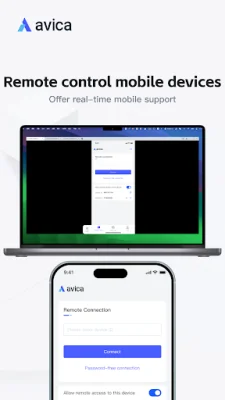

Latest Version
8.5.0
September 29, 2024
Avica
Tools
Android
0
Free
com.raywing.avica
Report a Problem
More About Avica Remote Desktop
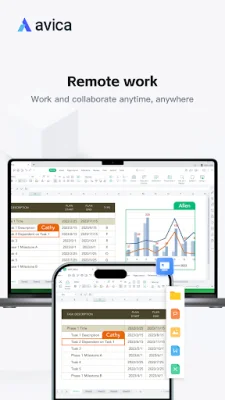
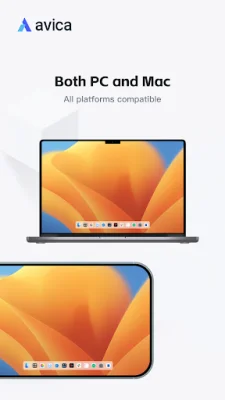
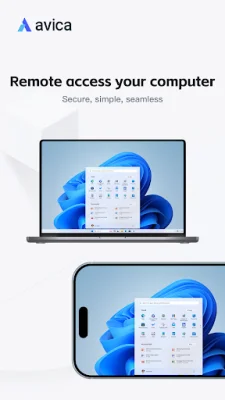
Avica Remote Desktop is a versatile and secure application that allows users to remotely access and control their devices from anywhere. It is available on multiple platforms including Windows, macOS, Android, and iOS, making it convenient for users to use on their preferred devices. The application is known for its industry-acknowledged security, providing end-to-end AES-256 encryption to ensure the safety of user data and activities.
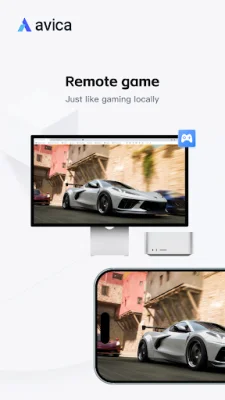
One of the standout features of Avica Remote Desktop is its ultra HD quality, providing users with a clear and crisp remote viewing experience. The application also boasts low latency, with a response time as low as 10ms, and high frame rates, ensuring smooth and seamless remote control. Its user-friendly interface makes it easy for users to navigate and utilize all of its features.
Avica Remote Desktop is free to use, with advanced features available through a subscription. These features include secure and fast file transfer, multi-monitor support, privacy mode, game keyboard customization, intuitive touch and pointer modes, real-time sound transmission, remote restart and shutdown, and remote lock screen. These features make Avica Remote Desktop a comprehensive and efficient tool for remote access and control.
The installation and usage of Avica Remote Desktop is simple and straightforward. Users need to install and launch the application on both devices, enter the remote device's Avica ID on the local device, and click the "Connect" button to initiate a remote connection. For more information on the application and its features, users can visit the official website at https://www.avica.link/.
Avica Remote Desktop also values user privacy and has a dedicated privacy policy (https://www.avica.link/privacy-policy) and terms of use (https://www.avica.link/terms-and-conditions) to ensure the protection of user data and activities. It is important to note that to use controlled features, users need to turn on Accessibility permissions through the AccessibilityService API. This allows other devices to remotely view and control the operation of the device, providing direct control of the phone from anywhere. Avica Remote Desktop is a reliable and efficient solution for remote access and control, making it a top choice for users.
Rate the App










Popular Apps









