

Battery manager and monitor
10.1.1 by System monitor tools lab - Cpu Ram Battery (0 Reviews) October 10, 2024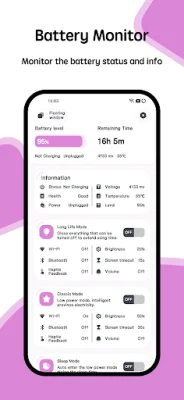

Latest Version
10.1.1
October 10, 2024
System monitor tools lab - Cpu Ram Battery
Tools
Android
0
$1.99
com.glgjing.thor
Report a Problem
More About Battery manager and monitor
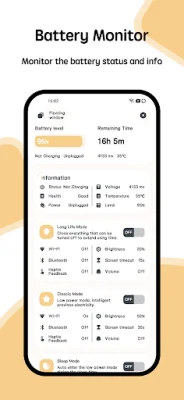
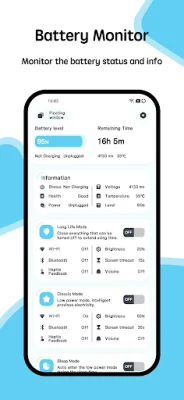
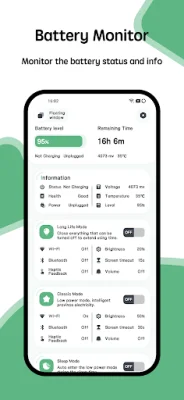
The Battery Monitor application is designed to help users keep track of their device's battery usage and temperature. It provides a visual representation of the battery usage curve and temperature, allowing users to monitor the health, power status, voltage, and level of their battery.
In addition to monitoring the battery, the application also includes a Temperature Monitor feature. This feature will send a warning when the CPU or battery temperature reaches a high level. Users have the option to enable or disable this overheat alarm according to their preferences.
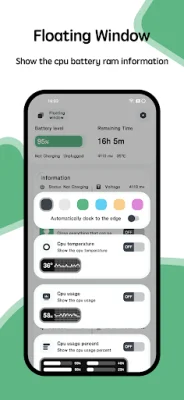
The Floating Window feature displays real-time information about the CPU temperature, battery temperature, and RAM usage. This can be accessed through a status bar floating window or a desktop floating window, providing users with convenient access to important information at all times.
The application also includes a Widget feature, which offers support for RAM, CPU, and battery widgets. These widgets can be added to the device's home screen, allowing users to easily view and monitor their device's performance.
To cater to different user preferences, the Battery Monitor application offers a Multi-Theme feature. Users can choose from a variety of themes to customize the appearance of the application. This adds a touch of personalization and allows users to choose a theme that they find visually appealing.
Rate the App















Popular Apps









