
Bluetooth Finder
by Mady Global (0 Reviews) August 12, 2024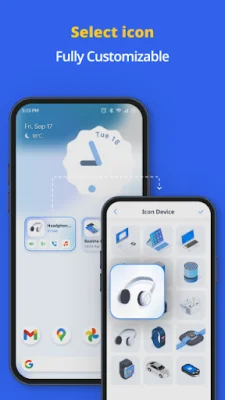
Latest Version
August 12, 2024
Mady Global
Tools
Android
0
Free
com.bluetooth.autoconnect.device.converter
Report a Problem
More About Bluetooth Finder
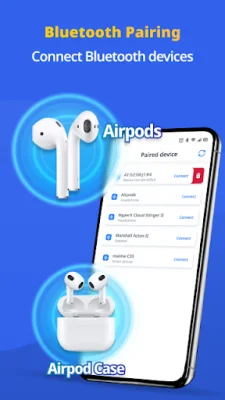
Our app offers a new level of bluetooth device management. With our app, you can easily connect and manage your bluetooth devices. Our bluetooth auto connect feature makes it effortless to pair devices, while our device finder function helps you locate lost devices. Whether you're searching for nearby devices or connecting them, our app streamlines the process for efficient management.
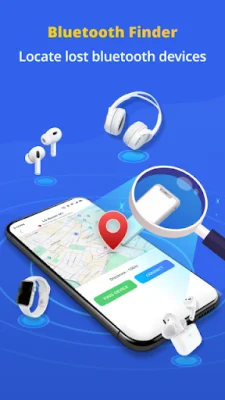
One of our powerful features is the bluetooth device finder. This feature allows you to quickly retrieve lost wireless devices such as headphones, watches, or earphones charging cases. You'll never have to scramble to find your devices again with our bluetooth device finder.
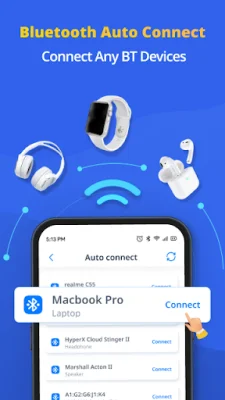
Our app also offers a bluetooth auto connection function. Once paired, your preferred bluetooth devices will automatically reconnect when they come within range. This eliminates the need to constantly manually connect your devices.
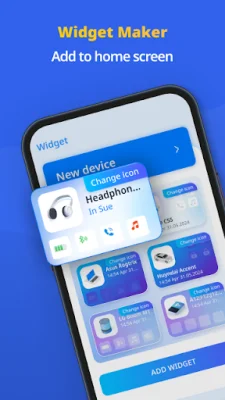
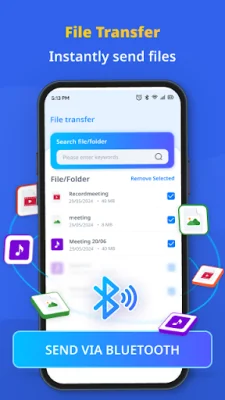
In addition, our app has a bluetooth file transfer feature, allowing you to easily and quickly share files such as photos and videos. We also offer customizable bluetooth device widgets, making it even easier to access and control your devices. These widgets can be added to your home screen for instant access.
So why choose our Bluetooth Device Finder - Auto Connect app? We offer comprehensive features, including device finder, auto connect, and paired device functions. Our app also has an intuitive interface, designed to simplify the process of device pairing, auto connections, and file transfers. You can also personalize your experience with advanced settings for connection preferences and widget layouts.
Experience the power of bluetooth device management with our app. Simplify the process of finding and connecting to devices, transferring files, and customizing widgets - all through an intuitive interface. Please note that our app requires location access to find and connect to nearby bluetooth devices. The ACCESS_BACKGROUND_LOCATION permission is necessary to maintain bluetooth functionality and use features such as device finder, pairing, and auto connection.
Rate the App















Popular Apps









