

Bluetooth volume controller
1.1.1 by SM Infotech (0 Reviews) October 23, 2024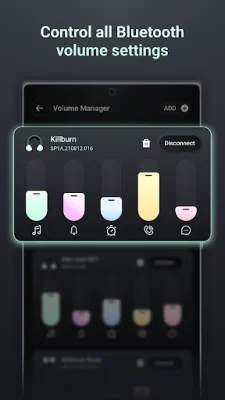
Latest Version
1.1.1
October 23, 2024
SM Infotech
Tools
Android
0
Free
com.sm.bluetoothvolume
Report a Problem
More About Bluetooth volume controller
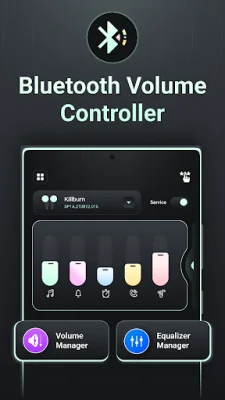
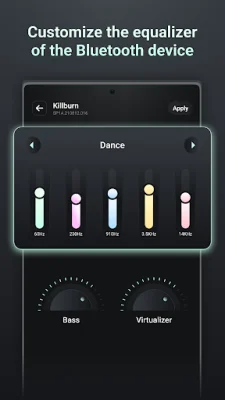
This application allows you to customize your sound in a way that has never been possible before. Not only can you manage the equalizer for specific devices, but you can also enjoy a variety of equalizer options and save your own custom presets.
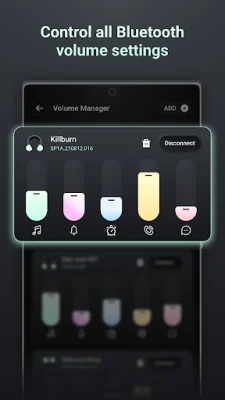
When you connect your Bluetooth device, you can easily control its volume through the app. This makes it convenient to adjust the volume without having to physically access the device.
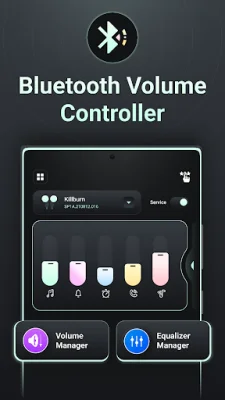
The app also allows you to manage the equalizer for each Bluetooth device, making it easy to fine-tune the sound to your liking. It even has a feature that restores previous volume levels and equalizer settings when you reconnect to a device.
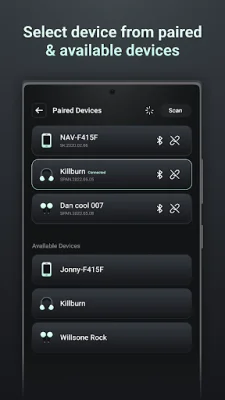
In order to connect your Bluetooth device, you can simply add it on the volume manager screen. The app also has a scanning and pairing feature for Bluetooth devices that are not already paired with your mobile device.
In addition to volume and equalizer control, the app also allows you to adjust the sound for different types of audio, such as music, calls, ringtones, alarms, and notifications. This gives you even more control over your sound experience.
In order to function properly, the app requires certain permissions. These include location permission for scanning nearby Bluetooth devices on Android 12 and below, and Bluetooth permission for scanning and connecting to nearby devices on Android 12 and higher.
Rate the App















Popular Apps









