
Broadlink RM Plugin
2.6.2 by OriginallyUS.SG - Award Winning App Consultancy (0 Reviews) August 11, 2024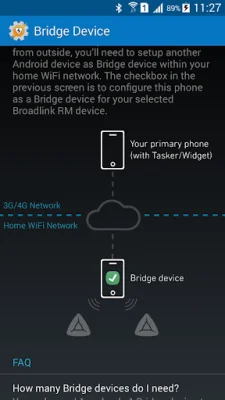
Latest Version
2.6.2
August 11, 2024
OriginallyUS.SG - Award Winning App Consultancy
Tools
Android
0
$4.49
us.originally.tasker
Report a Problem
More About Broadlink RM Plugin
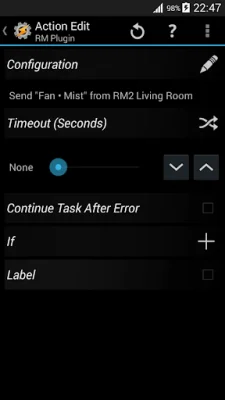
This application is a Tasker plugin that allows you to customize and program your Broadlink RM Controller to work exactly how you want it to. It provides friendly APIs for integration with any home automation system you may be using. This means that you can control your Broadlink devices in a way that is tailored to your specific needs and preferences, rather than being limited to the functionality of their proprietary eControl apps.
The plugin is compatible with a variety of Broadlink devices, including RM2, RM Home, RM Pro, RM3 Mini (BlackBean), SP2, SPMini, Contros, and A1. It also has the potential to support S1 and other sensors in future versions. This wide compatibility allows you to easily incorporate your Broadlink devices into your home automation setup.
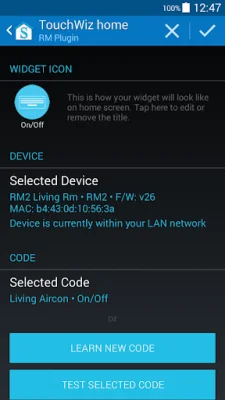
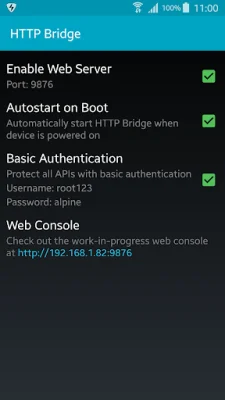
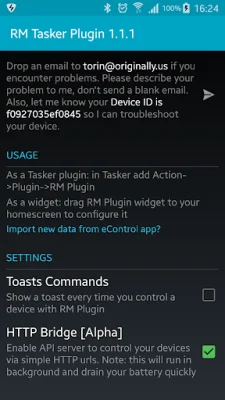
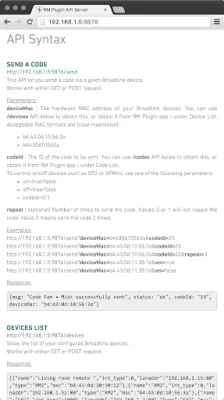
In addition to its compatibility and customization features, the plugin also offers a widget that can be added to your home screen for quick and easy control of your Broadlink RM. It also has the ability to integrate with Amazon Echo, allowing you to control your devices with your voice. And for those who prefer to use HTTP commands, the plugin acts as a HTTP bridge, making it simple to control your devices with just a few clicks.
The plugin also offers the convenience of being able to control your Broadlink devices from outside of your home WiFi network. This can be done through the plugin itself, as a Tasker plugin, or through a homescreen widget. And if you have already programmed your devices using the Broadlink eControl app, you can easily import that data into the plugin without having to manually copy and paste anything.
For those who are interested in trying out the plugin, there is a free trial available for 7 days. However, it should be noted that the plugin is designed to work specifically with Tasker and may not be compatible with other automation apps. Overall, this plugin offers a customizable and convenient way to control your Broadlink devices, making it a valuable tool for any home automation setup.
Rate the App















Popular Apps









