
Cast for Chromecast - TV Cast
5.8 by SONTUNG.APP (0 Reviews) October 10, 2024

Latest Version
5.8
October 10, 2024
SONTUNG.APP
Tools
Android
0
Free
chromecast.tv.cast.screen.share
Report a Problem
More About Cast for Chromecast - TV Cast
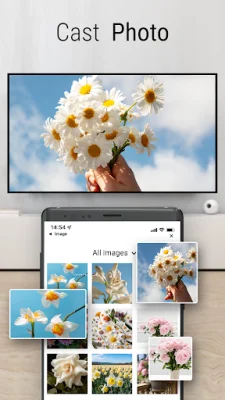
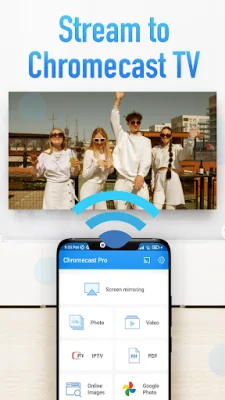
This application allows you to easily cast various types of media, such as music, PDFs, photos, and videos, from your phone to your Chromecast devices. It also offers the ability to play games and watch movies on a larger screen through the use of Chromecast.
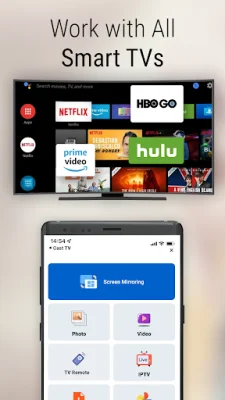
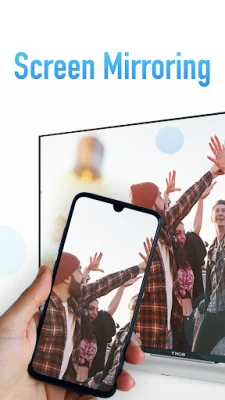
The main features of this app include the ability to mirror your phone screen in real-time with high-quality video, cast a variety of media types to your Chromecast, and even cast IPTV. This allows for a more immersive and convenient viewing experience on your Chromecast TV.
In order to use this app, you must ensure that both your Chromecast device and your phone are connected to the same WIFI network. Once connected, you can easily select a device from the list and begin casting your desired media. You can also choose to use the screen mirroring feature to stream your phone's screen directly to your Chromecast device.
As with any app, it is important to review the privacy policy and terms of use. The privacy policy for this app can be found at https://sontung.app/privacy/, and the terms of use can be found at https://sontung.app/term-of-use/. These policies are in place to protect your personal information and ensure a safe and secure experience while using the app.
In summary, this app offers a convenient and easy way to cast a variety of media to your Chromecast devices, as well as the ability to play games and watch movies on a larger screen. With its real-time screen mirroring feature and compatibility with various media types, this app is a great addition to any Chromecast user's device. Just make sure to review the privacy policy and terms of use before use.
Rate the App












Popular Apps









