Contact Backup: PDF Text & VCF
1.0.6 by GoNext (0 Reviews) September 12, 2024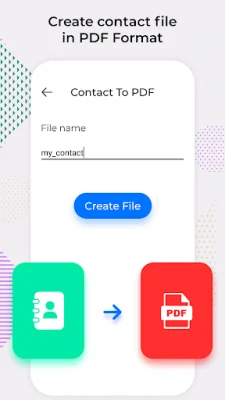
Latest Version
1.0.6
September 12, 2024
GoNext
Tools
Android
0
Free
com.gonext.contacttopdf
Report a Problem
More About Contact Backup: PDF Text & VCF
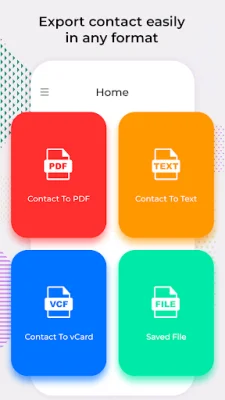
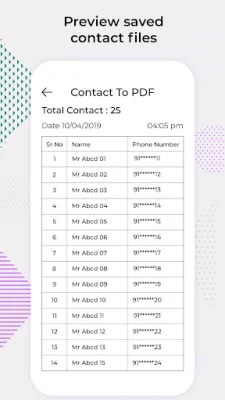
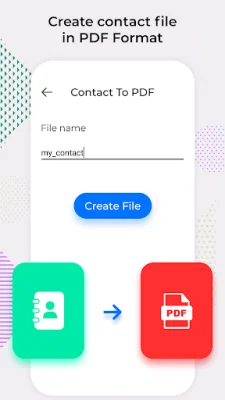
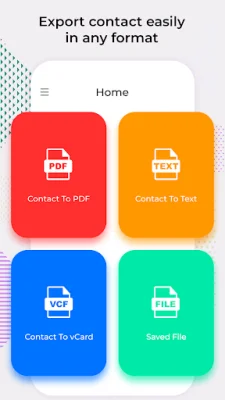
Converting contacts to PDF, VCF, or text can be incredibly beneficial for users. With this application, users can easily convert their contacts into PDF format, making them accessible on various devices other than just a mobile phone. This feature is also available on multiple mobile platforms, making it convenient for users to access their contacts on any device they prefer.
For those who prefer to use VCF as their official contact format, this application also offers the option to convert contacts to VCF. This is especially useful when transferring contacts from an old device to a new one. By converting contacts to VCF, users can easily transfer all their contacts without any hassle.
Converting contacts to text is another useful feature of this application. This format is particularly helpful for those who want to have a physical copy of their contacts. By converting contacts to a text file, users can easily print out their contacts or have a backup in case of any device malfunctions.
With this app, managing contacts becomes a breeze. Users can easily convert their contacts to their preferred format and have them organized and easily accessible. This saves time and effort, especially for those with a large number of contacts.
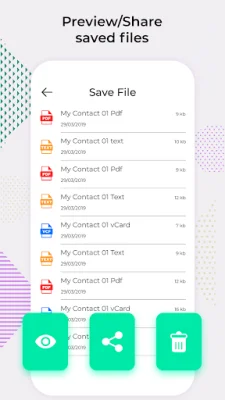
In order to use this application, users will need to grant two permissions: storage permission and contact permission. The storage permission is necessary for saving contact backup files, while the contact permission is used to access all contacts for backup in PDF, text, and CSV formats. By being original and SEO-oriented, this application ensures that users have a smooth and secure experience when managing their contacts.
Rate the App















Popular Apps









