
CrookCatcher • Anti-Theft
3.0.8 by CrookCatcher (0 Reviews) December 19, 2025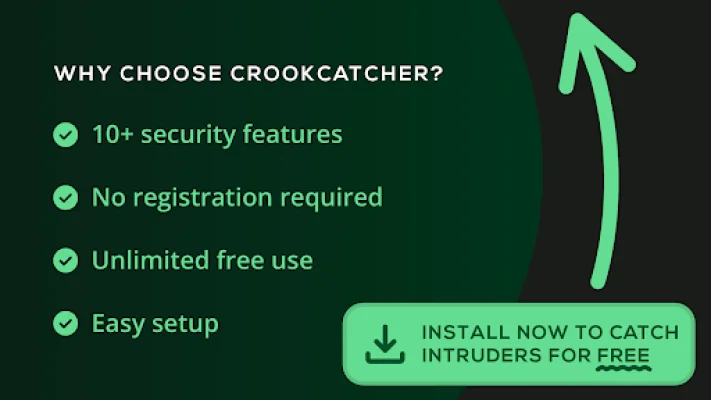
Latest Version
3.0.8
December 19, 2025
CrookCatcher
Tools
Android
0
Free
com.harteg.crookcatcher
Report a Problem
More About CrookCatcher • Anti-Theft
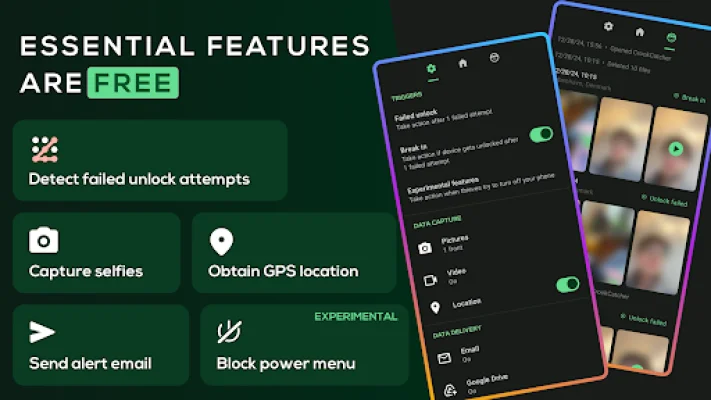
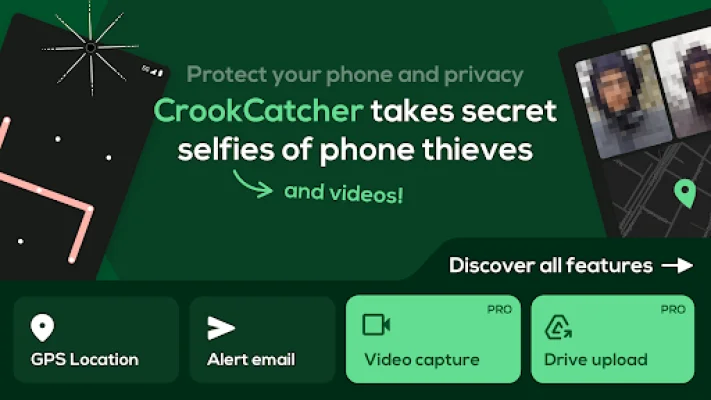
Worried about the security of your phone? Look no further, because CrookCatcher is here to protect your device from theft and snooping. This app was built with the intention of providing users with peace of mind and ensuring the safety of their personal information. It works by capturing photos whenever someone enters the wrong password, PIN, or pattern on your phone, and then sends you an email with the intruder's photo, GPS location, and estimated address. But that's not all, CrookCatcher offers a range of other features to keep your phone secure.
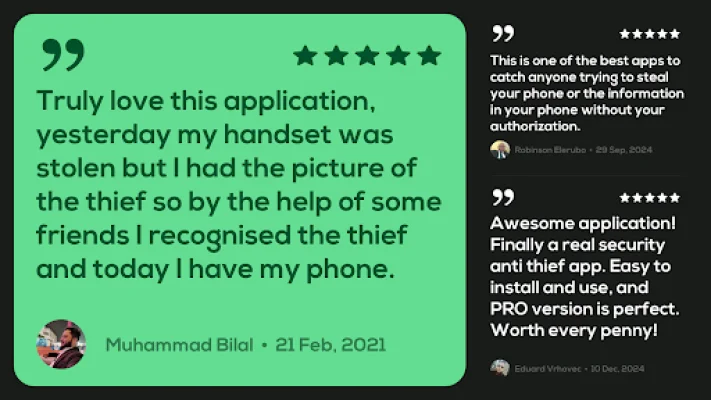
With over 10 million downloads and 500 million intruder photos captured in 190+ countries since 2014, CrookCatcher has gained the trust of millions of users worldwide. And the best part? It's completely free to use! The app offers essential features such as capturing intruder photos, detecting GPS location, and sending alert emails, making it a must-have for everyone.
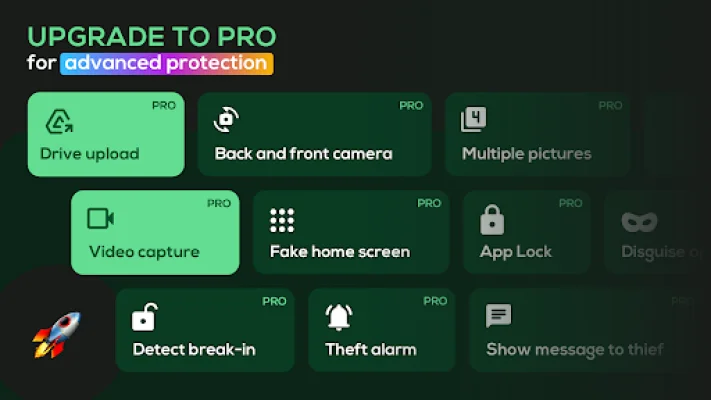
For those looking for advanced security, CrookCatcher also offers a PRO version with additional features. This includes the ability to capture videos with sound for clear evidence of intruders, using the back-facing camera for environment details, and auto-uploading photos and videos to Google Drive for access on any device.
CrookCatcher also has features to outsmart thieves, such as displaying a fake home screen to trick intruders and showing a custom lock screen message to warn them. The app also has advanced security measures, such as hiding the app with a disguised icon and name, customizing alert email subjects, and locking access to the app with a pattern code.
One unique feature of CrookCatcher is its break-in detection, which captures a photo if the intruder successfully guesses your password after failed attempts. The app also has protection against shutdown attempts, where it can block the power menu, quick settings, and notification shade to capture evidence when thieves try to turn off your phone or enable airplane mode.
CrookCatcher is designed to be battery-friendly, as it only becomes active when someone enters the wrong PIN, ensuring minimal battery usage. However, there are a few important notes to keep in mind, such as unlocking your phone once after rebooting to re-enable the app, and it may not be compatible with pop-up cameras or fingerprint errors.
If you need any help or have concerns about privacy, you can visit the CrookCatcher website for FAQs and information on privacy policies. So why wait until it's too late? Download CrookCatcher today and outsmart thieves before they can get their hands on your phone!
Rate the App








Popular Apps









