
Data Transfer - Phone Clone
1.7.3 by Auzi Apps Studios (0 Reviews) September 06, 2024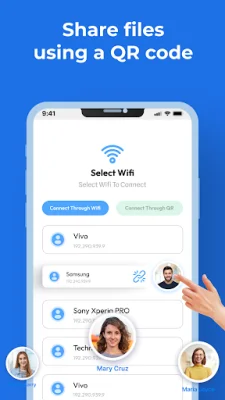
Latest Version
1.7.3
September 06, 2024
Auzi Apps Studios
Tools
Android
0
Free
com.movedata.transferdata.oldtonewphone.swtichphone.clone.phonedata.transfer.unlimited.data
Report a Problem
More About Data Transfer - Phone Clone
Content transfer or smart transfer is a complex process, especially when you need to transfer all of your phone's data to a new device. However, with the Send Anywhere app, this task becomes much easier. The Transfer My Data app allows for seamless data transfer between Android devices, including photos, files, videos, contacts, and documents. This app is a one-stop solution for all your data transfer needs.
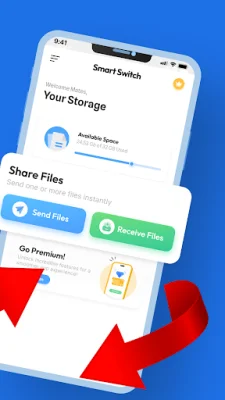
The Smart Switch Data Transfer app offers a user-friendly interface and colorful graphics, making it easy to use. It works on both Wi-Fi and mobile data, allowing for data transfer even without an internet connection. With this app, you can quickly and securely transfer your data from one Android device to another with just one tap.
One of the standout features of this app is the ability to switch folders or send data separately. You can choose to transfer entire folders or select specific files, such as photos, videos, or documents. This app also has no size limitations, so you can transfer large files of up to 100GB or more for free. It is a safe and secure way to transfer data between devices.
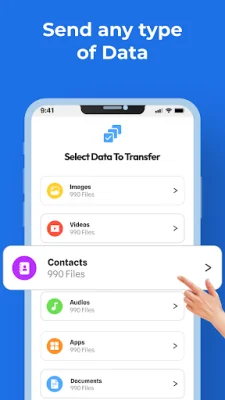
The Smart Switch Copy My Data app is compatible with all Android devices, regardless of brand or company. Its beautiful UX/UI designs and attractive colors make it a pleasure to use. This app allows you to transfer a variety of file types, including videos, photos, documents, audio, contacts, and apps.
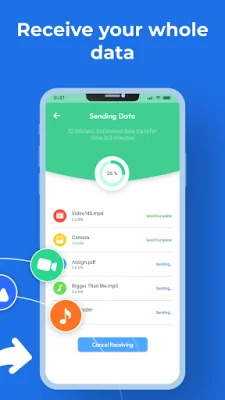
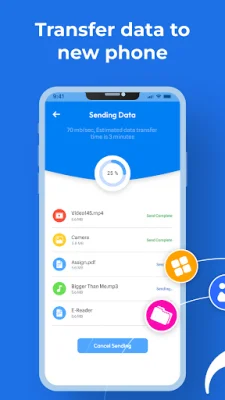
Before starting the transfer process, make sure that both devices have the Phone Clone app installed. Then, on your old device, select "Old Phone" and allow necessary permissions. Choose the files you want to transfer and click the "File Transfer" button. The app will then search for your new device and connect to it, transferring your files seamlessly. With the Smart Switch Quick Share app, transferring data between Android devices has never been easier.
Rate the App















Popular Apps









