

DNS Changer - Lilly
1.7.1 by Aykut Çevik (0 Reviews) September 11, 2024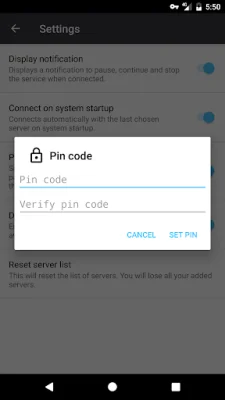
Latest Version
1.7.1
September 11, 2024
Aykut Çevik
Tools
Android
0
Free
com.aykutcevik.dnschanger
Report a Problem
More About DNS Changer - Lilly
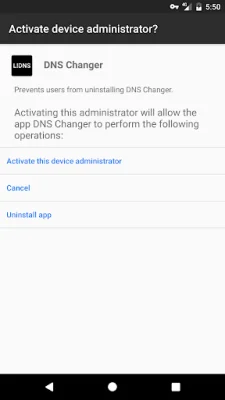
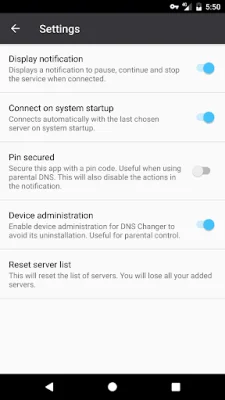
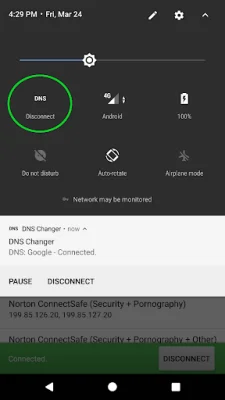
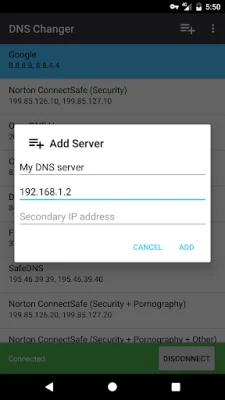
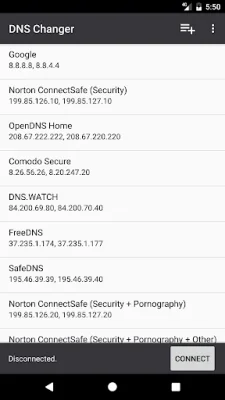
Lilly is an application that allows users to set a custom DNS server or choose one from a list. This feature works on all types of connections, including mobile, Wi-Fi, and ethernet. The app supports both IPv6 and IPv4, making it compatible with a wide range of devices. One of its key features is the ability to connect on boot, ensuring that the custom DNS server is always in use. One unique aspect of Lilly is its ability to pause and continue DNS settings without having to open the app. This makes it convenient for users to switch between different DNS servers without any hassle. Another advantage of this app is that it does not require root access, making it accessible to a larger audience. For users concerned about security, Lilly offers a pin security feature, which can be used for parental control. This ensures that only authorized users can make changes to the DNS settings. Additionally, the app also has a "Device admin" feature, which prevents users from uninstalling the app without permission. To ensure a secure and fast DNS response, Lilly has a hand-picked list of DNS servers. This list is regularly updated to provide the best possible experience for users. And the best part? Lilly is completely free to use. So how does Lilly work? It utilizes Android's VPN service feature to set a DNS server for all types of connections. This means that there is no routing through the app's server, which can be verified through a speed test and checking the IP. Users can also check their system's connection settings for technical details. It's worth noting that Lilly may display small, non-disturbing ads to support its further development. However, the app's focus remains on providing a seamless and secure experience for its users. With its user-friendly interface and various features, Lilly is a must-have for anyone looking to customize their DNS settings on their Android device.
Rate the App















Popular Apps









