

DroidCam Webcam & OBS Camera
by Dev47Apps (0 Reviews) August 11, 2024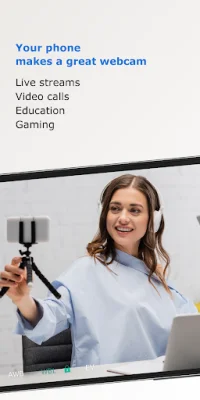
Latest Version
August 11, 2024
Dev47Apps
Tools
Android
0
Free
com.dev47apps.obsdroidcam
Report a Problem
More About DroidCam Webcam & OBS Camera
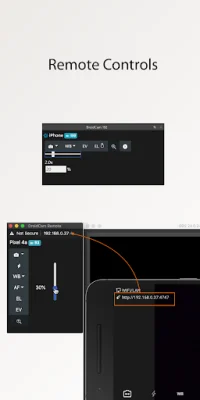
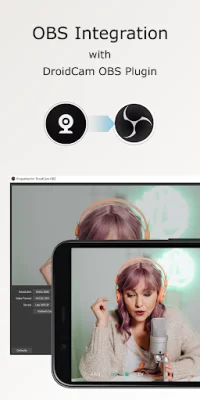
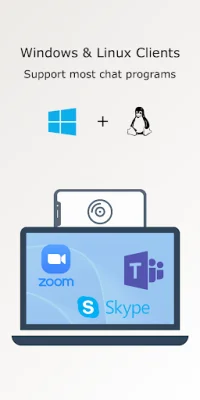
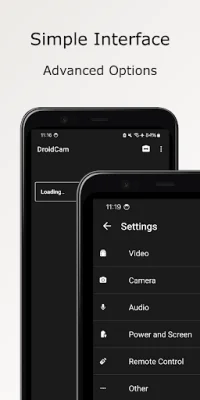
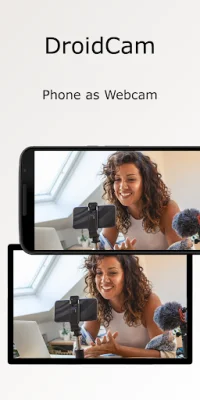
DroidCam is an application that allows you to use your phone as a webcam on your computer. It offers both sound and picture capabilities and can be integrated directly with OBS Studio through the DroidCam OBS plugin. The app is free to use with unlimited usage at standard definition, but can also support up to 1080p Full-HD as a PC webcam and up to 4K UHD as an OBS camera. It can be connected to your computer through both WiFi and USB connections, and offers hardware-assisted coding and multiple video format options. Additionally, it has DSLR-like features such as exposure, white balance, and focus controls. To use DroidCam as a PC webcam, you can download the DroidCam Client from droidcam.app on your computer. This client is available for both Windows and Linux systems and is compatible with various programs such as Zoom, Skype, and Discord. For OBS integration, you can download the DroidCam OBS plugin from droidcam.app/obs, which is available for Windows, Mac, and Linux systems. This allows you to use DroidCam directly in OBS Studio without the need for a separate client. You can also use the OBS Virtual Camera for integration with Zoom, Skype, and Discord without any extra software. DroidCam is designed to be simple and efficient, with a user-friendly interface. The app is free to use at standard definition with no time limits, but you can upgrade to the pro version for access to HD video, manual camera controls, and PC remote controls. The pro upgrade also removes watermarks and advertising. With optimized power usage and low-latency video transfer, DroidCam can be a cost-effective alternative to webcams and capture cards for remote work, learning, teaching, and content creation. It is important to note that if you are having trouble with the pro license, you should ensure that the app is installed with the correct Play Store profile and that your device can access https://www.dev47apps.com. Additionally, the USB connection may require additional setup, which can be found on droidcam.app/help. Overall, DroidCam offers a convenient and affordable solution for using your phone as a webcam on your computer, with various features and integration options available.
Rate the App















Popular Apps









