

Easy Automatic Call Recorder
2.0.0 by Blue Monkey Apps (0 Reviews) August 01, 2024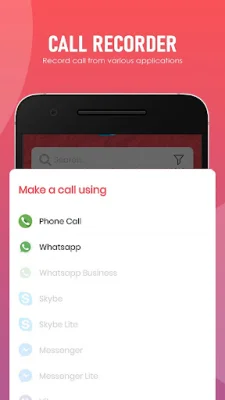

Latest Version
2.0.0
August 01, 2024
Blue Monkey Apps
Tools
Android
0
Free
com.mtbluemonkeyapps.easy.automatic.call.recorder
Report a Problem
More About Easy Automatic Call Recorder
This application allows you to automatically record calls and save them on your smartphone. You can also choose to record calls on an external storage device. There are five default settings for the auto recorder, including recording all calls except for pre-selected contacts, recording no calls except for pre-selected contacts, and recording all calls with non-contacts. You can also choose to record all incoming or outgoing calls.
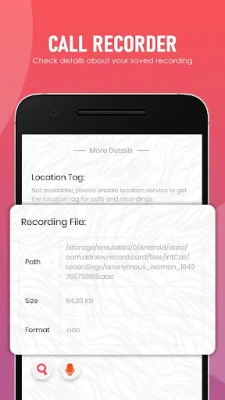
The app has various functions such as organizing your call records, playback and saving options, and the ability to upload recordings to Google Drive. You can also set the app to automatically delete unsaved records after a specific time interval. It also allows you to block certain calls from being recorded and send recorded calls to your email.
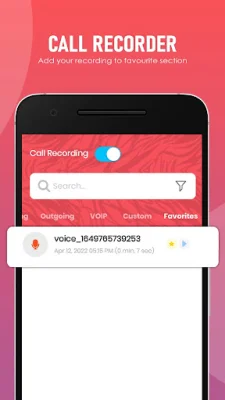
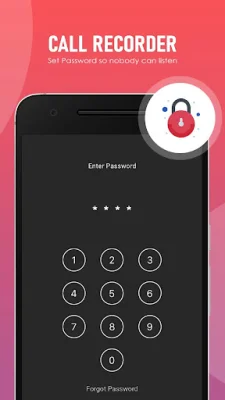
Other features include the ability to mark recordings as important, set a password for privacy, and choose from different recording modes based on numbers, contacts, or non-contacts. You can also share recorded files to various platforms such as Dropbox, cloud, Skype, and Facebook.
However, it is important to note that some phones may not support call recording properly due to different chipset/CPU or Android versions. Additionally, the legality of call recording varies in different states and countries, so it is important to check and follow the laws in your area. It is recommended to inform the caller and ask for their permission before recording a call. Overall, this app offers a variety of features for convenient and organized call recording.
Rate the App















Popular Apps









