

Epson iPrint
7.12.5 by Seiko Epson Corporation (0 Reviews) October 21, 2024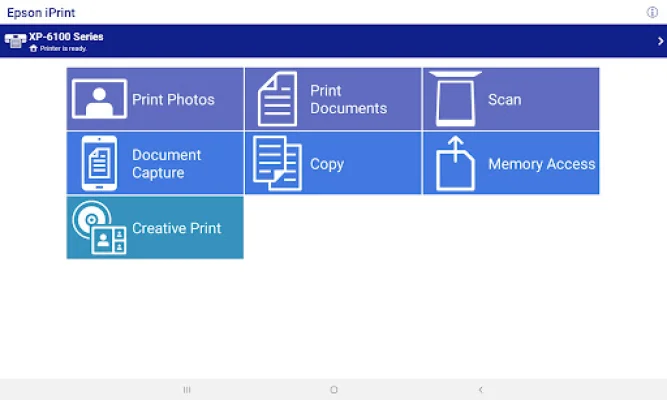



Latest Version
7.12.5
October 21, 2024
Seiko Epson Corporation
Tools
Android
0
Free
epson.print
Report a Problem
More About Epson iPrint
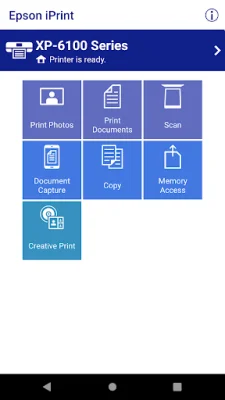
Epson iPrint is an application that allows you to easily print, scan, and share documents and photos directly from your Android phone or tablet. It offers a variety of features that make printing convenient, whether your printer is nearby or located across the world. With Epson iPrint, you can print from anywhere in the world to email-enabled Epson printers using remote print functionality. This means you can send a document to be printed while you are away from your printer, making it perfect for busy individuals or those who travel frequently.
In addition to printing, Epson iPrint also allows you to scan documents and share them via email or save them to your device. You can even use your device's camera to capture a document, format it, and enhance it before printing. This feature is especially useful for those who need to scan and print documents on the go.
Epson iPrint also offers advanced features such as automatic backlight and color cast correction for high-quality photo printing. You can also choose and print multiple photos at once, print email attachments and stored files, and configure print options such as paper size, number of copies, and one- or two-sided printing. The app also allows you to check your printer's status and ink levels, as well as purchase ink and supplies for your printer.
The app supports a wide range of Epson printers, and you can check the website for a list of supported models. It also offers the option to print within a complex network environment using manual IP printer setup. Additionally, you can manage remote printers and transfer files between your device and an SD card or USB drive via an Epson printer.
It's important to note that in order to use iPrint with a Wi-Fi Direct connection, you must allow the app to use your device's location services. This is necessary for the app to search for wireless networks, but your location data is not collected. The app also requires a license agreement, which can be found on the Epson website.
In conclusion, Epson iPrint is a convenient and versatile app for printing and scanning documents and photos from your Android device. With its advanced features and support for a wide range of printers, it's a great tool for anyone who needs to print on the go or from a remote location. And with the ability to manage multiple printers and purchase supplies, it's a must-have for Epson printer users.
Rate the App















Popular Apps









