
File Manager File Explorer
1.25.0(439) by Maple Media (0 Reviews) July 30, 2024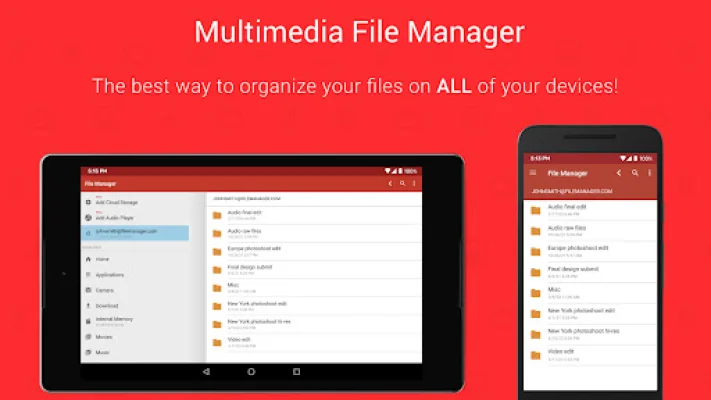
Latest Version
1.25.0(439)
July 30, 2024
Maple Media
Tools
Android
0
Free
fm.clean
Report a Problem
More About File Manager File Explorer
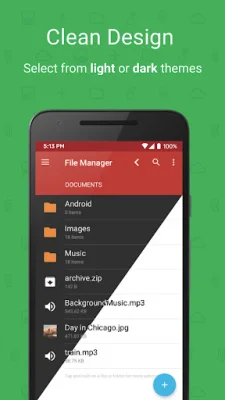
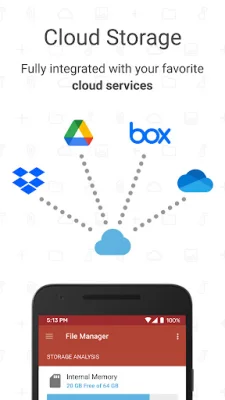
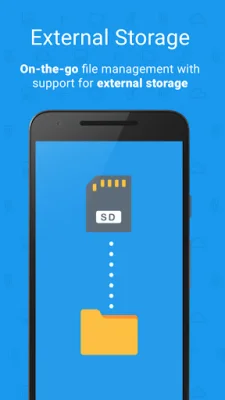
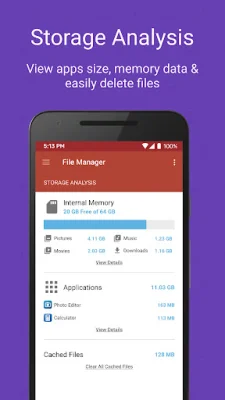
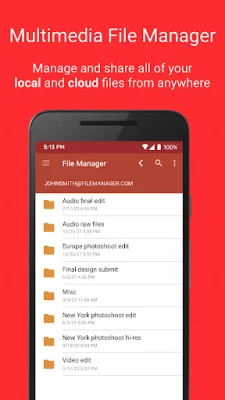
Custom Colors is an application that allows you to personalize your experience by choosing your own colors. This makes organization easier and more enjoyable. With the Storage Analysis feature, you can easily see what is taking up the most space on your device. This helps you manage your storage more efficiently. The app also offers Cloud Storage, giving you access to popular storage platforms such as Google Drive, Dropbox, and One Drive. This allows you to easily transfer files between your local drive, external storage, and cloud storage. You can also perform tasks such as copying, pasting, compressing, unzipping, deleting, and moving files, as well as extracting ZIP, RAR, BIN, TAR, and APK files. In addition to managing your device's internal storage, Custom Colors also has an External File Manager feature. This allows you to access files, backup storage, and manage USB Flash Drives. The Audio Manager feature lets you manage your .mp3 files and ringtones, making it a convenient all-in-one file manager. The Storage Analysis feature gives you a visual breakdown of your storage usage, including apps and file categories such as photos, downloads, and music. You can also view available storage and cached files. The Phone Manager and File Viewer feature allows you to easily access and manage your files, including downloads, copying, deleting, transferring, and compressing. With the Cloud Storage Explorer, you can manage your files on popular cloud storage platforms such as Google Drive, Dropbox, and One Drive. The app also supports external memory, allowing you to transfer files between internal storage, USB Flash Drives, and cloud storage. The Audio Manager feature lets you listen to and manage your mp3 files, music, and ringtones. And with the App Manager and Storage Cleaner, you can free up disk space, monitor app usage, and delete apps in one convenient place. For those with root access, Custom Colors also offers Root Check and Root Browser File Manager. This app is recommended for those who want a PDF viewer and book reader, as well as those who want to manage their root access. Thank you for choosing File Manager File Explorer! If you have any questions, feedback, or suggestions, please email us at [email protected]. We strive to provide an original and SEO-oriented experience for our users.
Rate the App















Popular Apps









