

File Manager Pro
by Philip David Stephens (0 Reviews) December 17, 2025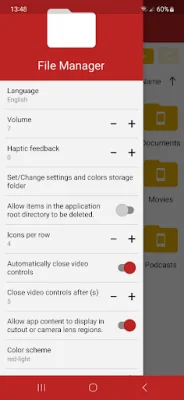


Latest Version
December 17, 2025
Philip David Stephens
Tools
Android
0
$0.99
stephenssoftware.filemanagerpro
Report a Problem
More About File Manager Pro
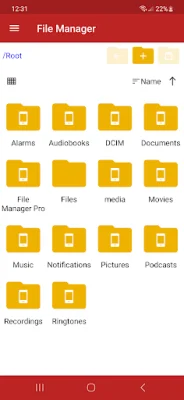
This application allows you to easily manage your files and folders with a variety of operations such as viewing, copying, cutting, pasting, deleting, opening, sharing, and renaming. With the use of Android's file and folder selector, you can choose which files and folders the application has access to, giving you control over your data.
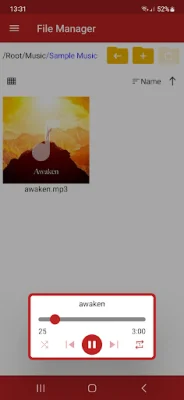
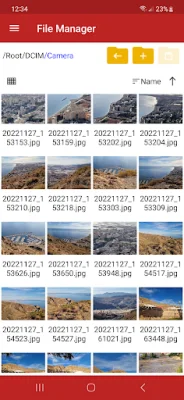
One of the convenient features of this application is the ability to open image, audio, and video files directly within the app, eliminating the need to use other media players or viewers. This saves time and makes it easier to access and view your media files.
In addition, the application has a built-in PDF viewer, allowing you to view .pdf files without having to download a separate app. This streamlines the process and makes it more efficient to view and manage your documents.
For those who need to compress or decompress files, this app has you covered. It supports various file formats such as .zip, .gz (gzip), .tar, and .tgz, making it a versatile tool for file management.
Lastly, the app offers full customization of colors, allowing you to personalize the interface to your liking. This not only adds a touch of originality but also makes it easier to navigate and use the app. With its user-friendly design and SEO-oriented approach, this file management application is a must-have for anyone looking to efficiently organize and access their files and folders.
Rate the App















Popular Apps









