

Flip clock: World clock
1.3.0.7 by wssc (0 Reviews) August 02, 2024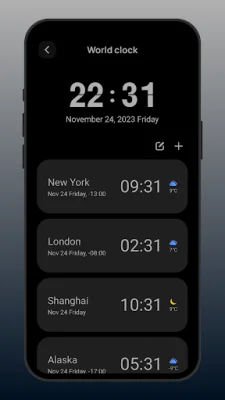
Latest Version
1.3.0.7
August 02, 2024
wssc
Tools
Android
0
Free
com.wssc.simpleclock
Report a Problem
More About Flip clock: World clock
The Pomodoro Clock is a versatile application that can be used as a study timer, world clock, and flip clock. It is designed to help users effectively focus on studying, reading, and working within a specific time frame. The app offers a variety of features and customization options to cater to the needs of its users.
The World Clock feature allows users to check the time and weather information of cities around the world. They can also add a World Clock widget to their screen desktop for easy access. The Flip Clock feature displays the weather in the user's current location and also offers a clock widget for their desktop.
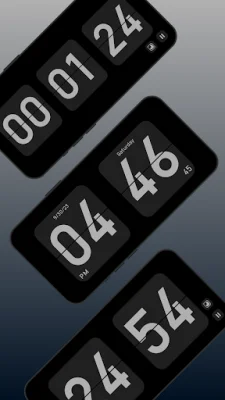
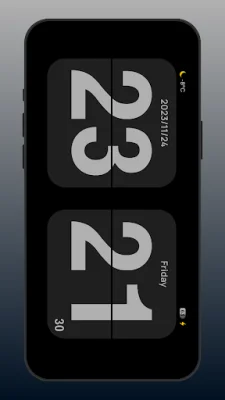
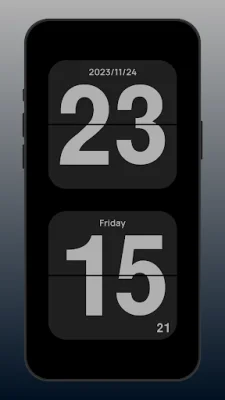
Whether you need a timer, flip clock, pomodoro timer, weather information, or a floating clock, this app has got you covered. It offers a full-screen flip-page animation with a minimalist design, making it visually appealing. The Pomodoro clock feature helps users learn timing, while the app supports both landscape and portrait orientations for convenience.
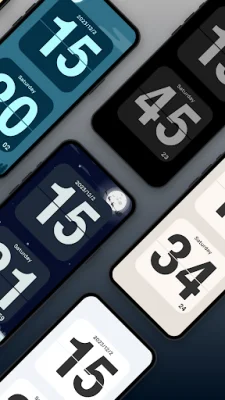
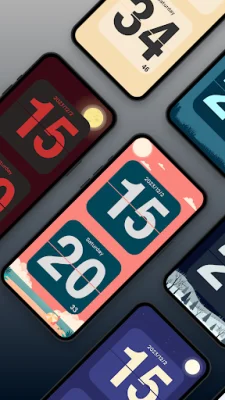
Users can customize the time and date display according to their preference and choose between 12-hour and 24-hour modes with ease. They can also switch between multiple themes to personalize their experience. The app offers an ad-free experience with no permission requests required, ensuring a smooth and uninterrupted user experience.
To use the app, users can simply swipe left or right to switch between functions and swipe up to enter settings. The app also allows users to use multiple fonts, view current location weather information, and add widget functions to their screen. They can also search for a city to check the time and use the timer for precise timing within a specific time period. With the World Clock feature, users can view time and weather information for multiple cities and time zones, and choose from various styles of clock widgets and world clock widgets.
Rate the App















Popular Apps









