

GlideX
3.8.1.0.2510.14 by ASC, ASUSTeK COMPUTER INC. (0 Reviews) December 15, 2025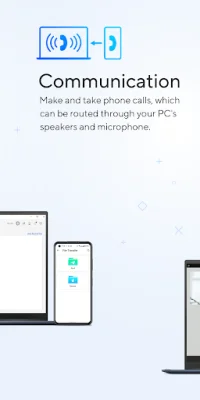
Latest Version
3.8.1.0.2510.14
December 15, 2025
ASC, ASUSTeK COMPUTER INC.
Tools
Android
0
Free
com.asus.glidex
Report a Problem
More About GlideX
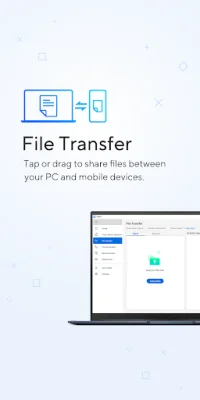
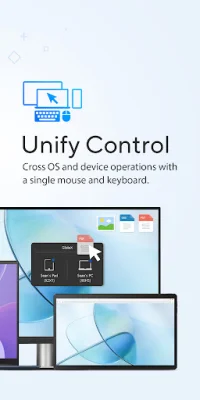
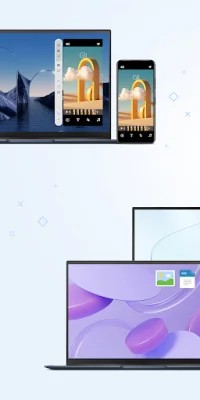
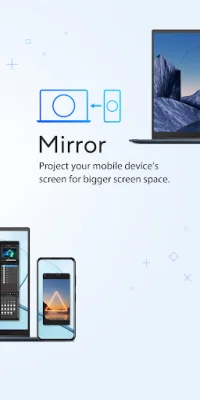
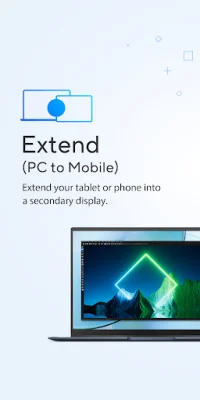
GlideX is an innovative application that allows you to mirror your phone's screen on your PC, giving you the ability to use your PC's keyboard and mouse to navigate and input text. This feature not only improves productivity, but also provides a more visually rich and less constrained experience compared to using your phone's small virtual keyboard. In addition to screen mirroring, GlideX also offers a screen extend feature, which allows you to use your phone or tablet as a secondary display for dual-display convenience. This is especially useful when you need to cross-reference multiple documents or visuals, making multitasking easier than ever before. With the Unify Control feature, you can control different devices and transfer files from one PC to another with just one mouse and keyboard. This eliminates the need to switch between devices and supports both Wi-Fi and USB connections. To use GlideX, you will need to download the GlideX mobile app and the GlideX for Windows app, which is compatible with Windows 10 and 11. Please note that for Android devices, the Screen Mirror feature requires Accessibility permission to use the "Home/Back/Recent" buttons on the mirrored window's menu bar. However, even without this permission, Screen Mirror will still function, but you will not be able to use those buttons to navigate your Android device. GlideX also offers a convenient file transfer feature, allowing you to simply drag and drop files to send them to other PCs or mobile devices at lightning-fast speeds. This is much faster than traditional Bluetooth file transfers and provides a user-friendly drag and drop experience. Another useful feature of GlideX is Shared Cam, which turns your mobile device camera into a webcam. This allows you to easily share your webcam during video conferences by selecting "GlideX - Shared Cam" as the video source in your PC's video conference app. With Hands-Free Phone Calls, you can make and take phone calls through your PC's speakers and microphone. You can also access your phone's contacts on your PC, making it easy to search for contacts and call them directly without having to dig out your phone. For those who need remote access to their files, GlideX offers a Remote Access feature that allows you to remotely access files stored on your ASUS PC. This turns your PC into a personal cloud replacement, which can be accessed from your mobile device anywhere and anytime. This is especially beneficial for commercial users who need access to office files while on business trips or working from home. Please note that Remote Desktop is not supported on Windows 10 Home edition. Lastly, GlideX offers a URL Share feature, which allows you to instantly send a link to the webpage you are currently viewing on your PC to another PC or connected mobile device. This provides seamless on-the-go convenience and can be accessed by simply clicking the Share icon in your PC's browser and selecting GlideX. To download GlideX for Windows, visit the Microsoft Store at https://www.microsoft.com/store/apps/9PLH2SV1DVK5. For more information about GlideX and its features, visit the ASUS Software Webpage at https://www.asus.com/content/GlideX/. With its wide range of features and user-friendly interface, GlideX is a must-have application for anyone looking to enhance their productivity and connectivity between their PC and mobile devices.
Rate the App









Popular Apps









