Good Lock
3.0.14.2 by Samsung Electronics Co., Ltd. (0 Reviews) December 04, 2025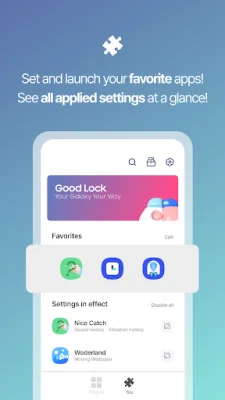
Latest Version
3.0.14.2
December 04, 2025
Samsung Electronics Co., Ltd.
Tools
Android
0
Free
com.samsung.android.goodlock
Report a Problem
More About Good Lock
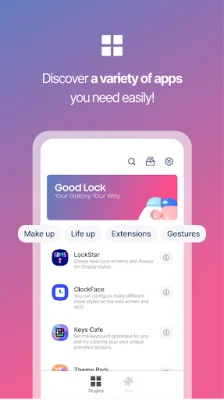
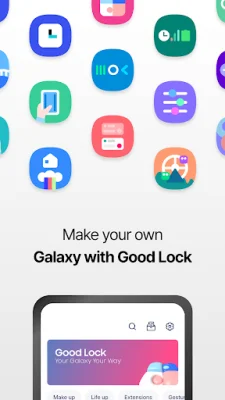
Good Lock is an application that allows users to customize various aspects of their Samsung device's user interface. With the use of plugins, users can personalize the status bar, Quick Panel, lock screen, keyboard, and more. This makes it easier for users to access features such as Multi Window, audio, and Routine in a more convenient way. The main plugins of Good Lock include LockStar, ClockFace, NavStar, Home Up, QuickStar, and Wonderland. LockStar allows users to create new lock screens and Always On Display (AOD) styles, while ClockFace offers various clock styles for the lock screen and AOD. NavStar allows for the organization of navigation bar buttons and swipe gestures, making it more convenient for users to navigate their device. Home Up provides an improved experience for the One UI Home, and QuickStar allows for the customization of the top bar and Quick panel, giving users a simple and unique interface. Wonderland is a unique feature that allows users to create backgrounds that move based on the movement of their device. In addition to these main plugins, there are many other plugins available with various features. Users can install Good Lock and try out each of these plugins to find the ones that best suit their needs and preferences. However, it is important to note that Good Lock is only compatible with Android O and P OS 8.0 Samsung devices, and some devices may not be supported. Good Lock is available in multiple languages, including Korean, English, Chinese, and Japanese. This allows for a wider reach and accessibility for users around the world. So, if you want to personalize your Samsung device's user interface and make it more convenient for you, give Good Lock a try and explore all the different plugins it has to offer.
Rate the App










Popular Apps









