
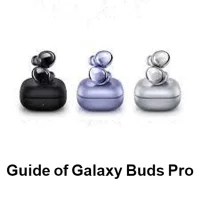
Guide for Galaxy Buds Pro
by MansiDeveloper (0 Reviews) December 02, 2025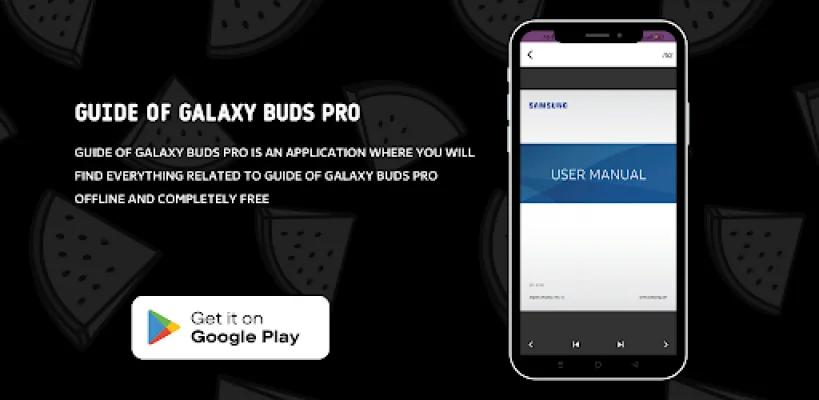
Latest Version
December 02, 2025
MansiDeveloper
Tools
Android
0
Free
com.guide_for_galaxy_buds_pro
Report a Problem
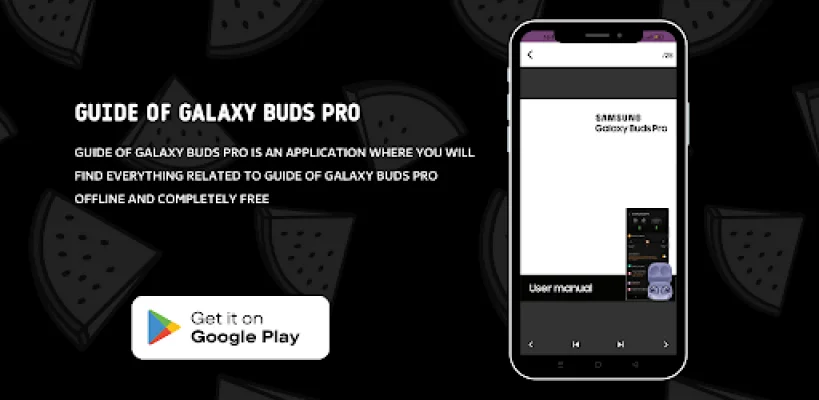
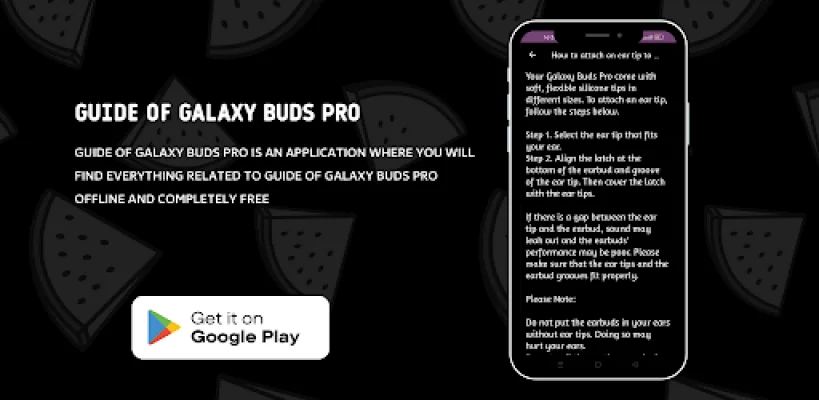
More About Guide for Galaxy Buds Pro
This app is a component of the Galaxy Wearable app and cannot function alone. The Galaxy Wearable app must be installed first for the Galaxy Buds Pro Manager app to work properly. To use all features on Android 7.0 or later, please allow Galaxy Buds Pro Manager permissions in your Android settings. This can be done by going to Settings > Apps > Galaxy Buds Pro Manager > Permissions.
The app requires certain permissions to function properly. For required permissions, the default function of the service is turned on, but not allowed. These include checking device version update information, storing music in external storage for the music transfer function, checking the contents of the schedule for using the voice notification function, checking contact information when receiving a call for the voice notification function, and confirming the contents of the voice notification SMS. Optional permissions are not required for the app to function.
After a software update, the previously allowed permissions in the apps list can be reset in the device settings.
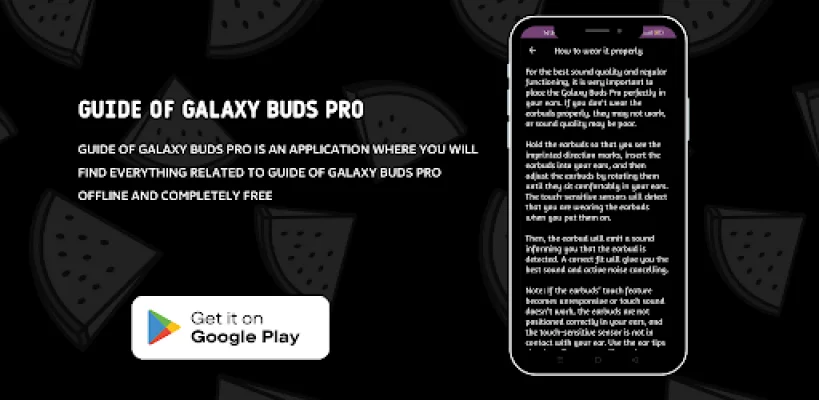
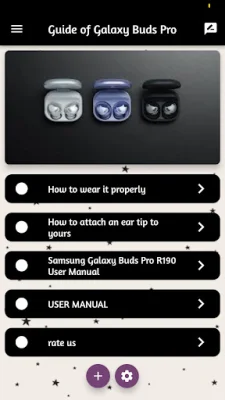
Welcome to the Galaxy Buds Pro app guide! These wireless earbuds are a great option for Samsung phone owners, offering superior sound and mic quality, multi-point pairing, and support for spatial audio. While they may not have the same level of noise cancellation or sound quality as high-end headphones, they are competitively priced.
The Samsung Galaxy Buds Pro is the replacement for the Apple AirPods Pro for the Samsung Galaxy S21 line of smartphones. However, there is much more to these wireless earbuds than just that. They also offer active noise cancellation and spatial audio support, making them a great choice for TV shows and movies. Plus, they have a battery life of up to five hours before needing to be recharged, making them one of the best true wireless headphones on the market.
For Samsung smartphone or tablet owners, the Galaxy Buds Pro completes the Samsung ecosystem and offers even more features and capabilities. However, it is no longer the newest or best product from Samsung. The Samsung Galaxy Buds 2 offer improvements in sound and active noise cancellation at a lower price point, making them a great alternative to the Galaxy Buds Pro.
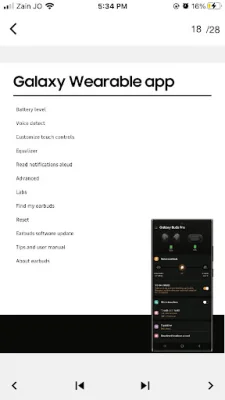
The Galaxy Wearable app is essential for connecting your Samsung Gear to your mobile device and managing its features and apps. This includes connecting and disconnecting with your device, software updates, setting the clock, downloading and setting apps, finding your watch, and managing notification settings. Make sure to install the app on your mobile device and pair your Samsung Gear via Bluetooth to enjoy all of its features.
Please note that the settings and features offered by the Galaxy Wearable Gear app are only available when your Samsung Gear is connected to your mobile device. If there is no connection, the features will not work properly.
Rate the App











Popular Apps









