
Kids Place Remote Control
1.7.1 by Kiddoware - Parental Control App Provider (0 Reviews) October 13, 2024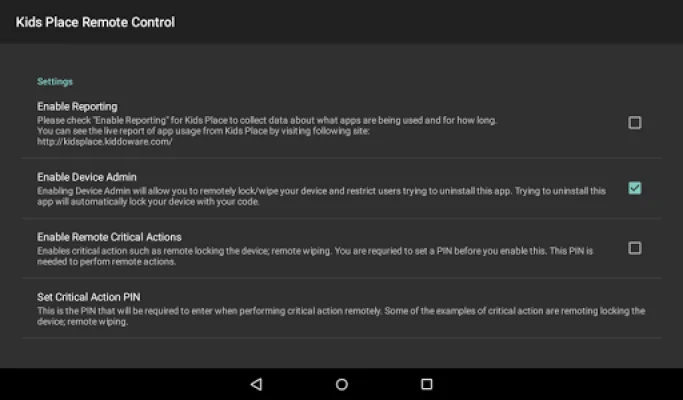
Latest Version
1.7.1
October 13, 2024
Kiddoware - Parental Control App Provider
Tools
Android
0
Free
com.kiddoware.kidsplace.remotecontrol
Report a Problem
More About Kids Place Remote Control
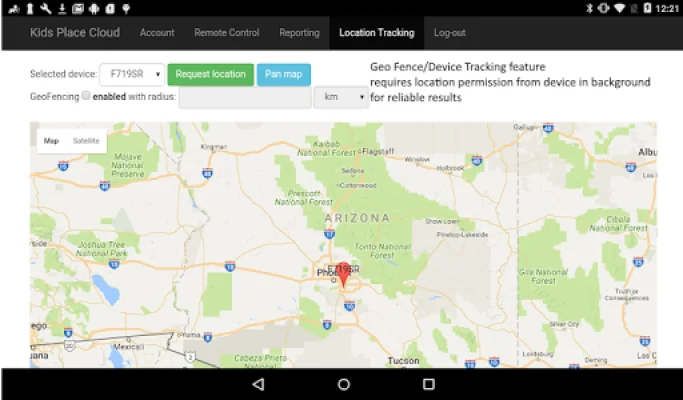
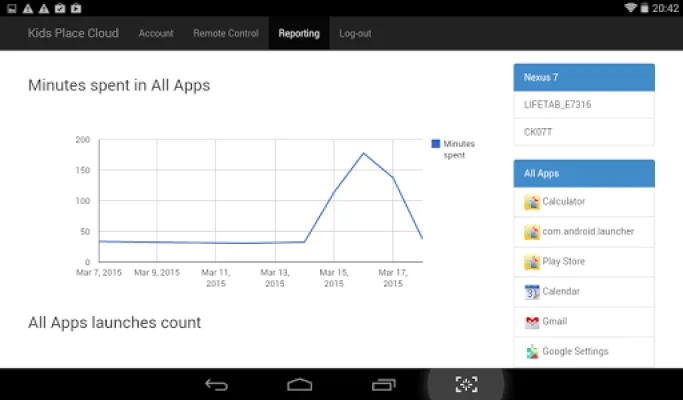
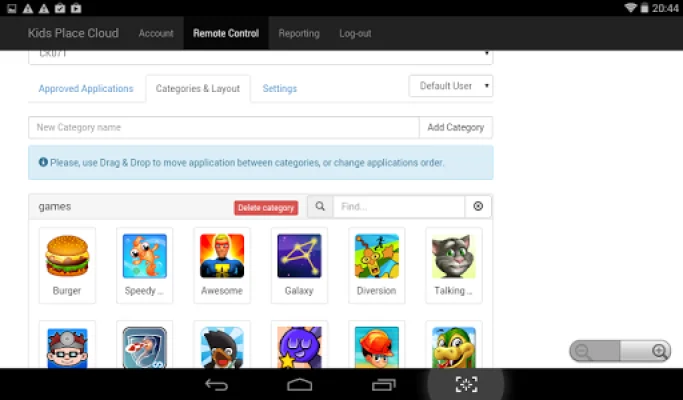
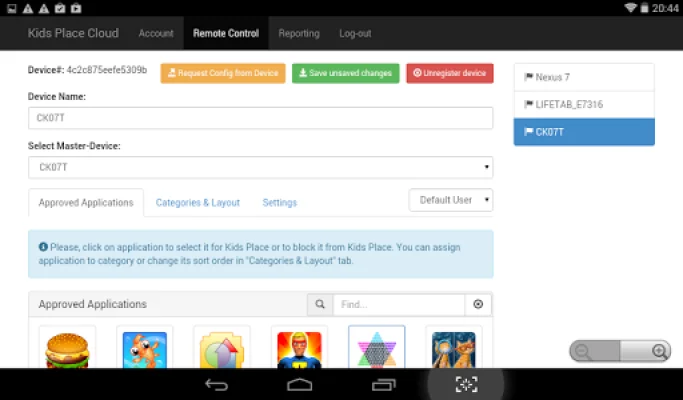
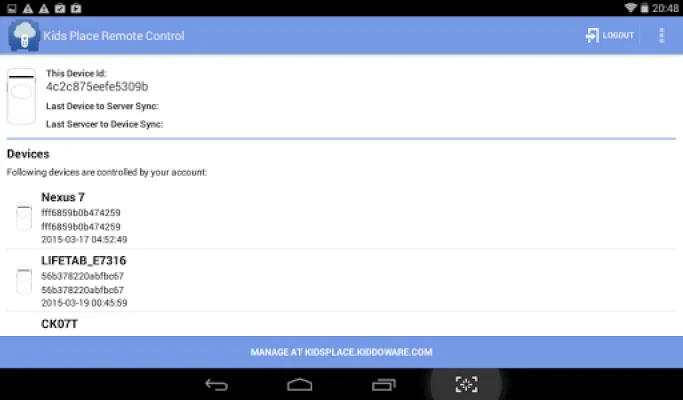
Kids Place Remote Parental Control & Monitoring is a powerful tool that allows parents to remotely manage the Kids Place Parental Control App on one or more devices. This app can be accessed through a cloud-based console at https://kidsplace.kiddoware.com, making it easy for parents to monitor and track their children's activities. With this app, parents can monitor their child's phone or tablet from any computer or mobile device through the website at https://kidsplace.kiddoware.com. This gives parents continuous access to remote control, tracking, and monitoring of their child's device. One of the main benefits of using Kids Place Remote Parental Control & Monitoring is the ability to prevent unwanted and malicious behavior from children. This app, in combination with Kids Place Parental Control, gives parents complete control over their child's device, allowing them to block dangerous websites and harmful apps. There are many reasons why parents should choose Kids Place Remote Parental Control & Monitoring. This app offers a cloud-based management tool, the ability to remotely add or remove apps from Kids Place, and change settings. It also allows for the export and import of configurations and the management of multiple devices. In addition, this app provides geo-location and device tracking, as well as a cloud-based reporting and dashboard platform. Parents can also view and monitor which apps their child is using and for how long. If necessary, parents can remotely lock or wipe their child's device for added security. Kids Place Remote Parental Control & Monitoring is easy to use and offers a free 15-day trial upon account creation. It is a great way for parents to add an extra layer of security and have peace of mind knowing that their child's device is protected. Download this app for free today and keep your child safe from cyber attacks, harmful apps, and viruses. Please note that this app may request the Device Administrator permission, which is completely optional. This permission is requested in case parents want to use the "reset-password" and "force-lock" user policies. These features allow parents to remotely change the device password and lock the device for their child's safety.
Rate the App












Popular Apps









